Damaged DStv cables and connectors usually give themselves away: green or white corrosion on a connector, a plug that wobbles on the decoder, a cable flattened under a window or door, a sheath that has gone brittle and cracked in the sun, or teeth marks where a rodent has been at it. Any of these can cause weak signal, breaking pictures or the E48-32 no-signal message. Most of them can be spotted without going anywhere near the roof.
This guide walks you through a safe inspection route, from the back of the decoder to the point where the cable heads up the wall, and explains what each sign means.
Why the Cable Matters So Much
Satellite TV uses coaxial cable, usually a type called RG6, with screw-on F-connectors at each end. The cable carries a very weak signal from the LNB on the dish down to your decoder. Every bit of damage along the way, whether it is water inside the cable, a crushed section or a poor connection, eats into that signal.
On a dry day, a well-aligned dish may have enough signal to spare that you never notice a slightly damaged cable. Then a summer storm arrives, the signal drops a little further and the picture disappears. That is why cable faults are often blamed on the weather.
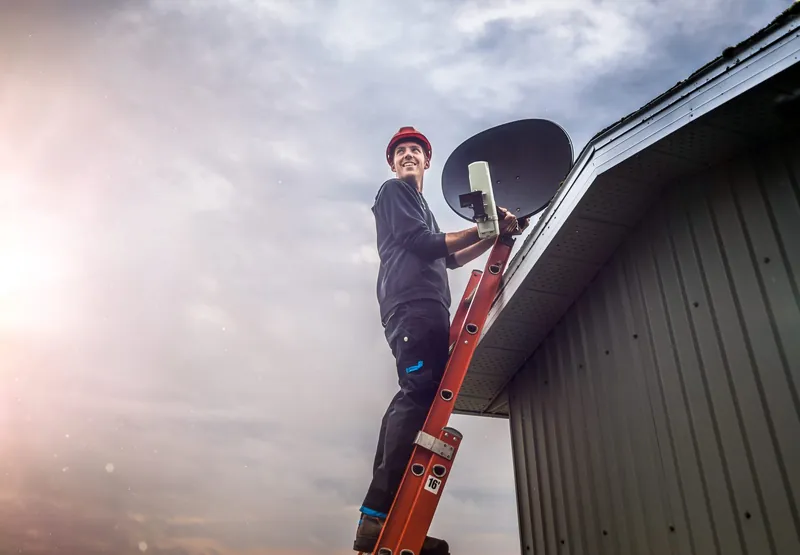
Safety first: do not climb onto the roof or up a ladder to follow the cable, and keep well away from any cable or dish near overhead power lines. Switch the decoder off at the wall before you unscrew or reseat any connector.
Do It YourselfA Safe Inspection Route, Indoors and at Ground Level
Work your way from the decoder outwards. Take your phone along so you can photograph anything that looks wrong; it helps an installer understand the problem before they arrive.
- The back of the decoder. Find the cable plugged into the satellite or LNB input (the label varies by decoder). Check that the F-connector is screwed on firmly by hand, not just pushed on. Look for a bent centre wire or a connector that turns loosely without tightening.
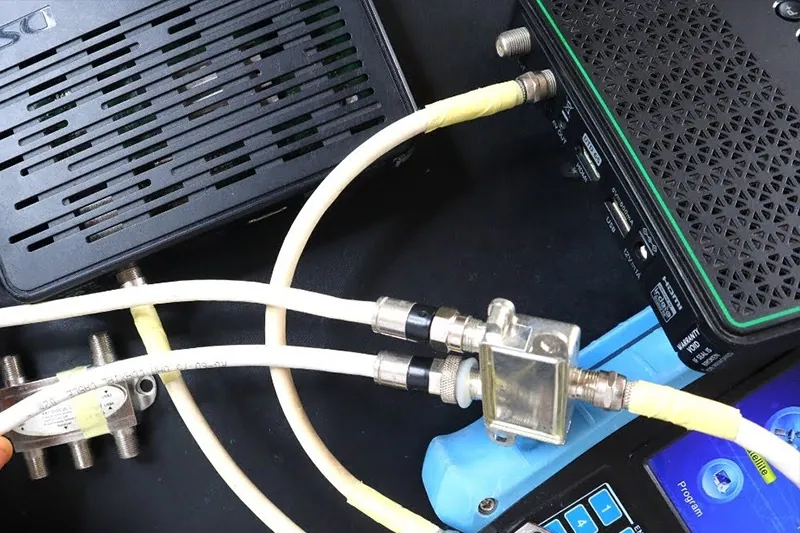
- Any splitter or switch behind the TV. If there is a small metal box with several cables, check each connection on it is firm and dry. A splitter that someone added for a second TV is worth mentioning to your installer.
- The wall plate. Many homes have a TV wall plate where the cable comes out of the wall. Check that the plate is not loose, cracked or pulled out of the wall, and that the short fly lead from the plate to the decoder is in good condition.
- Visible indoor runs. Follow any exposed cable along skirtings, through cupboards or across ceilings you can see from the floor. Look for kinks, tight bends, staples hammered through the cable and places where furniture sits on it.
- Where the cable leaves the house. Check windows, doors and holes in the wall where the cable passes through. Cable trapped in a window frame or under a door is crushed every time it closes.
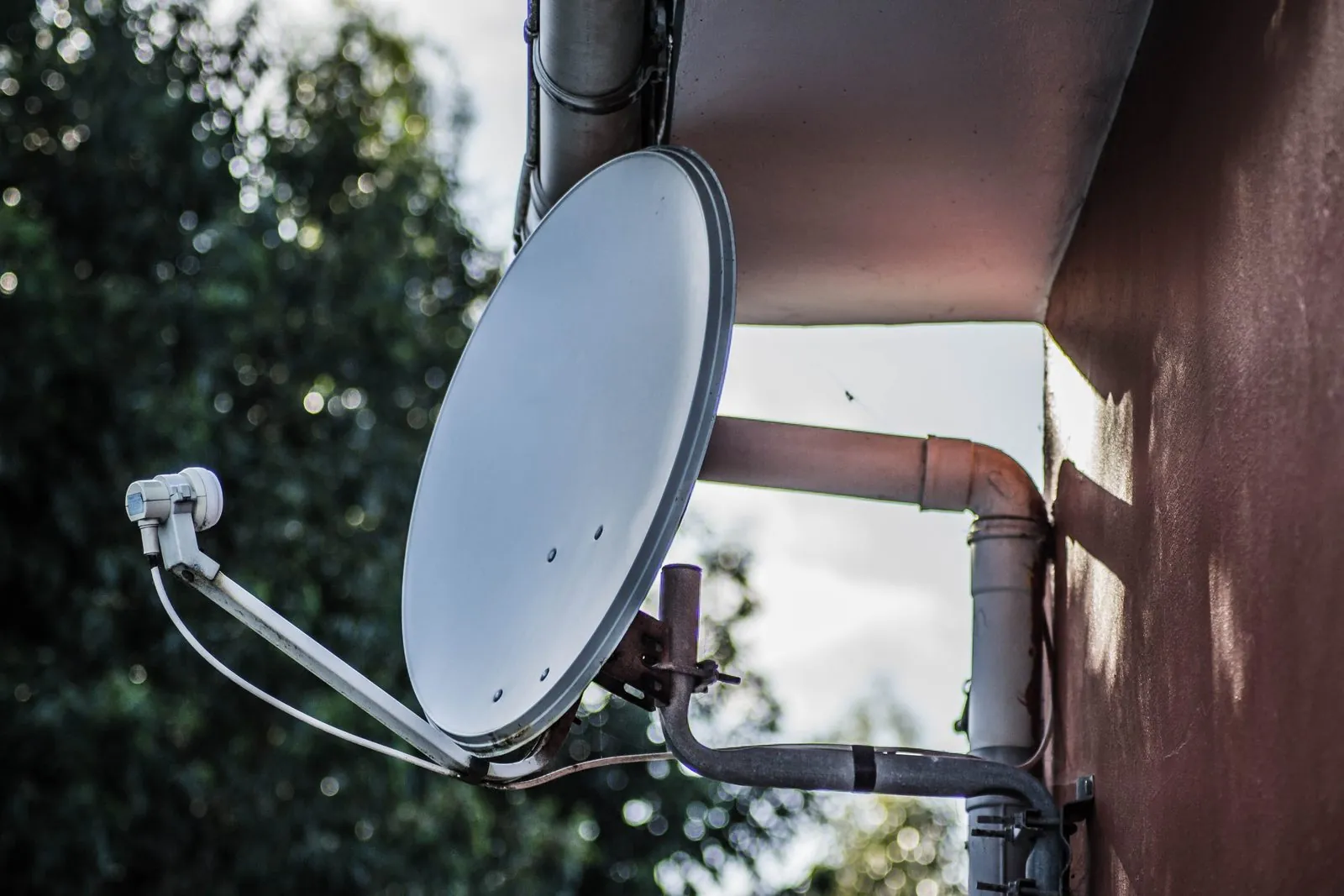
- Outdoor runs you can see from the ground. Without a ladder, look along the outside wall, gutter line and up to the dish. Look for cable hanging loose, flapping in the wind, sagging in the gutter or with the black outer sheath cracked or missing.
What the Damage Looks Like and What It Means
| What you see | What it usually means | How urgent |
|---|---|---|
| Green, white or black crust on a connector | Water has got in and the metal is corroding | Replace soon; it will get worse with each rainy season |
| A connector that turns loosely or falls off | Poor contact, or a connector that was never fitted properly | Often the cause of intermittent signal |
| Cable flattened under a window, door or furniture | The inside of the cable is crushed and the signal is weakened | Replace the damaged section |
| Teeth marks or exposed braid | Rats, mice or a dog have chewed the cable | Replace, and reroute or protect the new cable if possible |
| Grey, brittle or cracked outer sheath outdoors | Sun damage; water can now seep along the cable | Replace the outdoor run before summer storms |
| Tape-wrapped joins along the cable | Someone has spliced two lengths together | A common weak point; usually best replaced |
Twist-On Connectors and Joins: Why They Cause Trouble
Cheap twist-on connectors are popular because they need no tools: you strip the cable and screw the connector on by hand. The problem is that they do not grip the cable firmly or seal it properly. Over time they work loose, and outdoors they let water creep in between the connector and the cable.
Water does not stay at the connector. It can wick along the inside of the cable, corroding the braid and weakening the signal over a longer length than you can see. By the time the connector looks green, the first section of cable is often damaged too.
Joins cause similar problems. Every join is two more connectors and another point where water can get in, and a poorly made one loses signal even when it is dry. A properly fitted compression connector, made with the right tool and sealed where it is exposed to weather, is far more reliable. That is the kind of work our cable and connector repair service covers.
A related point: not every coaxial cable is suitable. Older TV aerial cable may look similar but is not what a satellite installation is designed around. If you have found a mix of cable types in your home, mention it when you call.
Cable Fault, or Something Else?
Cable damage is common, but it shares symptoms with a misaligned dish, a failing LNB and a faulty switch. A few clues help narrow it down.
- Only one TV is affected. The fault is probably in that room's cable, connectors or decoder rather than at the dish.
- Every TV is affected. Look at the shared parts: the LNB, the cable from the dish, any switch or the dish alignment.
- Wiggling the connector changes the picture. That is a strong sign of a loose or corroded connection at that point.
- It only fails in rain. Some rain fade in a heavy storm is normal; failure in light rain often means water in the cable or connectors.
If you are seeing the E48-32 message, our article on what the E48-32 error means runs through the other possible causes. For help after a storm, see our guide to signal problems during heavy rain.
Found a damaged cable or a corroded connector? You can call 083 489 1322 at any hour to arrange a repair.
What an Installer Will Usually Replace
- Corroded or loose connectors. Cut back to clean cable and refitted with proper connectors, sealed where they are outdoors.
- Damaged sections of cable. Crushed, chewed or sun-perished lengths are replaced, often as a full new run rather than another join.
- Wall plates and fly leads. Cracked plates and worn leads between the wall and the decoder.
- Unsuitable splitters. Splitters that were added without suiting the LNB and decoders are removed or replaced with the right equipment.
- Poor cable routing. Cable is re-clipped neatly, kept out of window frames and away from sharp edges.
After any cable work, the signal is tested at each TV point so you know the fault is genuinely gone.
Cable and Connector Questions
Reseating or hand-tightening a connector at the decoder is fine, with the decoder switched off at the wall. Making up new connectors properly needs the right tools, and anything on the roof or high on a wall should be left to an installer.
It can work in the short term, but every join adds signal loss and a place for water to get in. Where possible, a single continuous cable run is more reliable.
Yes. Water damage, crushed cable and loose or corroded connectors are among the possible causes of E48-32, along with alignment, the LNB and other parts of the installation.
Routing the cable away from roof spaces and other places rodents travel, and protecting exposed sections, helps. Ask your installer what is practical for your property.
A tidy, dry and properly connected cable run removes one of the most common causes of DStv signal trouble. If your inspection has turned something up, or you simply want the cabling checked before storm season, OnspotElec is an authorised DStv installer working across Gauteng. Call 083 489 1322 or ask for a quote for the repair.