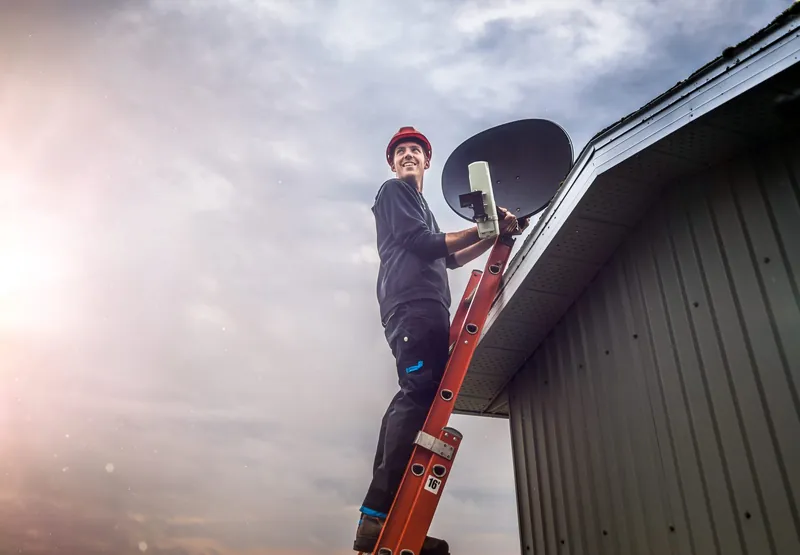
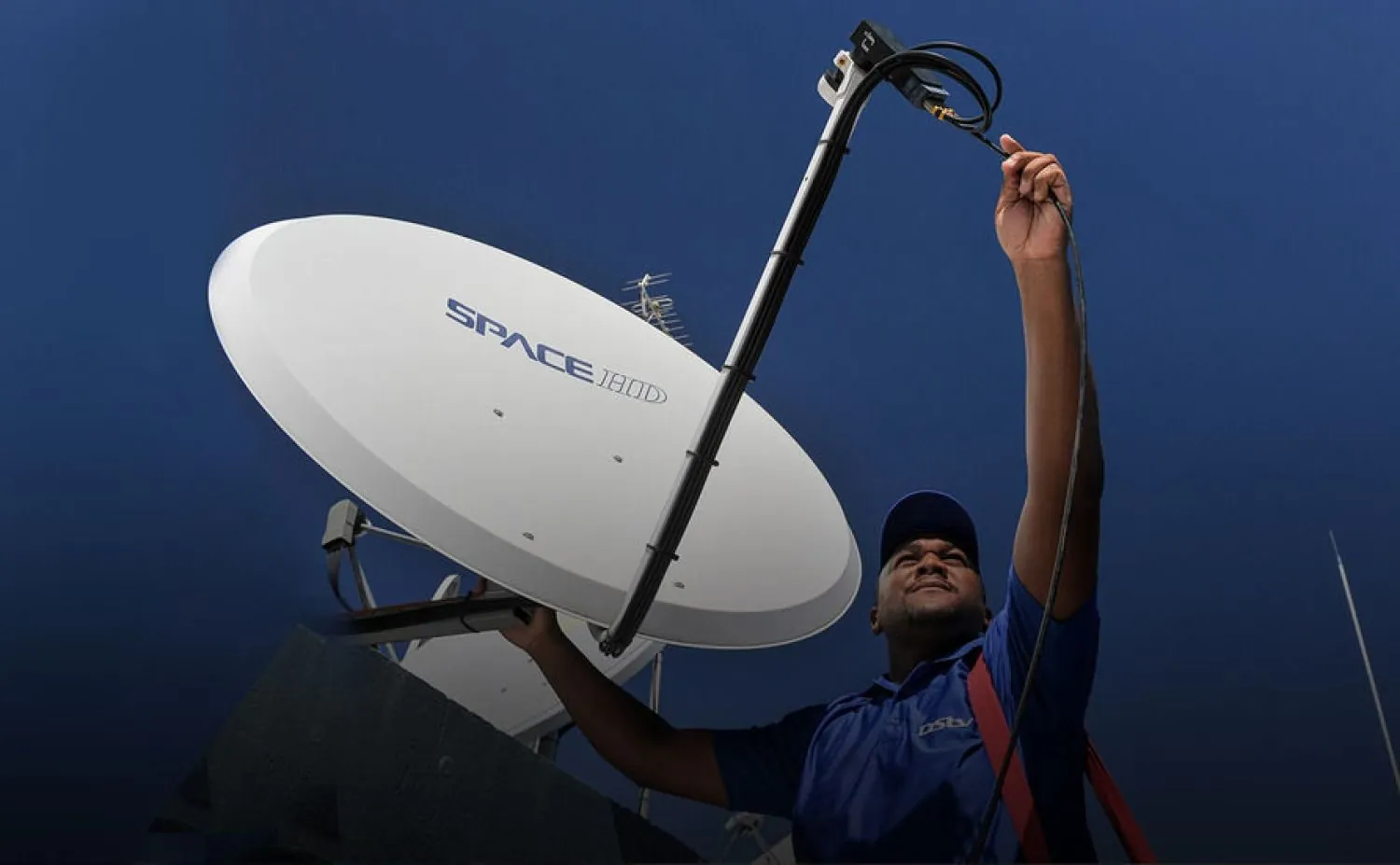
A DStv installation in Gauteng starts well before the first bracket goes up. Where the dish sits, how the cable reaches each TV and which LNB suits your decoder decide whether the picture holds through a summer storm or drops out every afternoon. OnspotElec is an authorised DStv installer serving homes across the province, from freestanding houses to apartments, and each job is planned around the property rather than a fixed template.
Below you'll find what a full installation involves, how the job changes between property types, what to have ready and why the choice of installer matters.
Step by stepWhat a Full DStv Installation in Gauteng Involves
Every property is different, but a complete installation follows the same order of work. Rushing or skipping one of these stages is usually what leads to problems a few months later.
Site survey and dish position
DStv is received from the Intelsat 20 satellite, so from Gauteng the dish points roughly north-east and tilts upward. The technician looks for a mounting spot with a clear view of that part of the sky, free of trees, walls and neighbouring roofs, and with some allowance for trees that are still growing.
Mounting the dish
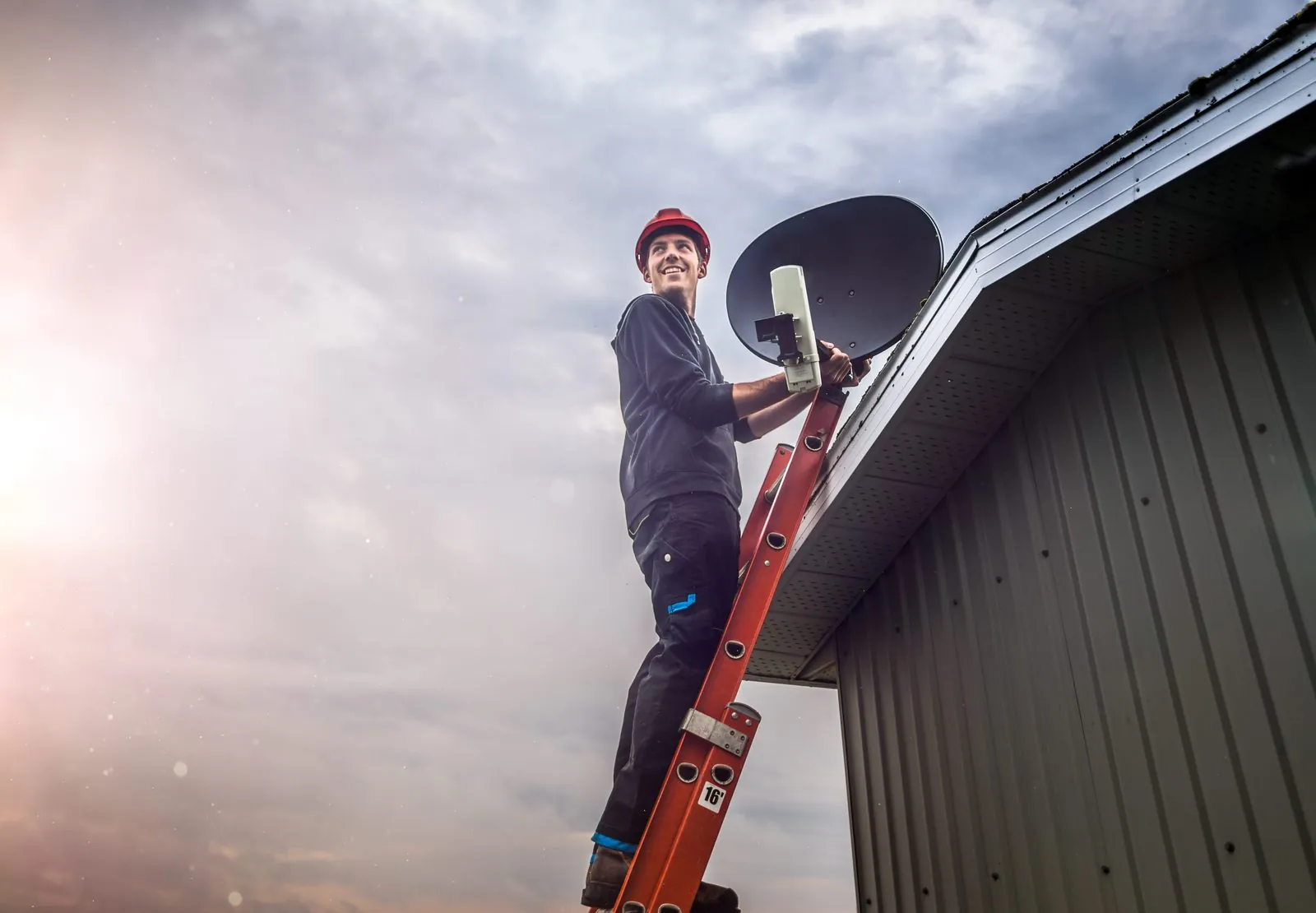
Depending on the building, the dish goes on a wall bracket, fascia, roof mount or pole. The mount has to be rigid, because a bracket that flexes in the wind slowly pulls the dish off target.
Planning the cable route
Coaxial cable runs from the dish to each TV point by the neatest practical route: through the roof space, along walls or inside conduit, ending at a wall plate where possible. Sharp bends, crushed sections and exposed joints are avoided because each one costs signal.
Choosing the right LNB
The LNB on the dish arm has to match what you're connecting. DStv recommends its Smart LNB for all Explora installations and most XtraView setups, while a single HD decoder can run from a simpler LNB. Our dish and LNB page explains the options.
Decoder setup and activation help
The decoder is connected, set up and checked for signal. Activation itself is done with DStv, so we help you through that process and make sure the decoder is ready; we can't activate subscriptions or change account details.
Signal test and handover
The dish is peaked on a signal meter, outdoor connections are weatherproofed and every TV point is tested. Before leaving, the technician runs through the decoder and remote basics with you and shows you where the dish and cables are, which helps if you ever need to describe a fault.
Houses, Townhouses and Apartments Are Different Jobs
The equipment is broadly the same, but the type of property changes where the dish can go, who has to approve it and how the cable gets to the TV.
| Property | Typical dish position | What affects the job |
|---|---|---|
| Freestanding house | Wall bracket, fascia or roof mount facing north-east | Roof type, ceiling access for cabling, trees on the property or next door |
| Townhouse or cluster | A wall or roof position the complex rules allow | Body corporate or HOA approval, shared walls, limits on visible cabling |
| Apartment | Balcony or outside wall, or a connection to a shared building dish | Which way the unit faces, building rules, whether a communal system already exists |
| New build or renovation | Planned with the builder before ceilings and walls are closed | Conduit for cables, roof finishes, solar panels or other roof equipment |
In many apartment blocks a private dish isn't practical or allowed, and the building runs a shared dish with multiswitch distribution instead. Our page on complex, estate and apartment installations explains how those systems work. Guesthouses, offices and other business premises are handled as commercial installations, which are planned differently again.
Getting Ready for Installation Day
A little preparation keeps the visit efficient and helps avoid a second trip.
- Decide where the TVs will be. Know which rooms need a DStv point now and which might later, so the cabling can be planned in one go.
- Check for a power point near each decoder. The decoder needs its own plug close to the TV.
- Clear the access points. The technician needs to reach the outside wall or roof area, the ceiling hatch if cable goes through the roof space, and the TV area inside.
- Get permission first if you're in a complex or renting. Sectional title schemes and estates usually have rules about where dishes may be mounted, so check with the body corporate, trustees, HOA or managing agent. Tenants need the landlord's approval, ideally in writing.
- Tell us what equipment you already have. If you already own a decoder, dish or smartcard, mention it when you call so the quote covers only what's actually needed.
- Keep pets secured. Ladders, open gates and curious dogs are not a good combination.
To book a visit or ask a question before you commit, call 083 489 1322. Scheduling depends on your area, the work involved and technician availability.
Choosing an installerWhy an Authorised DStv Installer Makes a Difference
A dish can look fine from the street and still be poorly installed. Weak brackets, unsealed connectors and the wrong LNB for the decoder are common reasons a new installation starts dropping signal within its first rainy season.
- The right LNB for the decoder. A Smart LNB where DStv recommends one, and a different arrangement where it isn't suitable, such as a multi-unit building.
- Proper signal margin. Peaking the dish on a meter, instead of stopping the moment a picture appears, leaves the signal more headroom to survive heavy rain.
- Weatherproofed connections. Sealed F-connectors keep water out of the cable, and water ingress is one of the most common causes of signal loss later on.
- Room to grow. If you may add a second decoder through XtraView or move to an Explora or Explora Ultra, the installation can be set up for that from the start.
If you've bought a DStv voucher installation, it helps to know its scope. According to DStv, a voucher installation for an HD Single View decoder includes one TV point and an Explora or Explora Ultra installation includes two, with extra travel, cabling or amplification charged on top. Connecting one decoder to several TVs or linking decoders falls outside the standard voucher package. That's why a quote for your actual setup can differ from what the voucher covers, as our article on installation costs in Gauteng explains.
OnspotElec doesn't publish fixed prices because the property, the equipment and the length of the cable runs all change the job. We install for homes throughout Gauteng, including Johannesburg and Pretoria.
DStv Installation Questions
It depends on the property. A single decoder with a short cable run takes far less time than a multi-room setup with cables routed through the roof space. We'll give you an idea of the time involved when we quote.
Sometimes. It depends on which way the unit faces, whether there's a suitable outside wall and what the building rules allow. Many blocks already have a shared dish system, and connecting to it is often the simplest option.
Not always. An existing dish in good condition can often be reused once it has been tested, fitted with a suitable LNB and properly realigned. If it's rusted, bent or badly placed, replacing it is usually better value in the long run.
No. Activation, subscriptions and billing are handled by DStv, through DStv's self-service channels or its customer service. We make sure the decoder is installed and receiving signal so activation can go ahead.
Usually not. Swapping or upgrading a decoder is a smaller job, though an upgrade to Explora may also need an LNB change. See decoder installation and upgrades for details.
Very heavy rain can interrupt any satellite service briefly, so no installer can prevent every storm outage. A well-aligned dish with sound, sealed connectors rides out far more of Gauteng's summer storms than a rushed installation does.