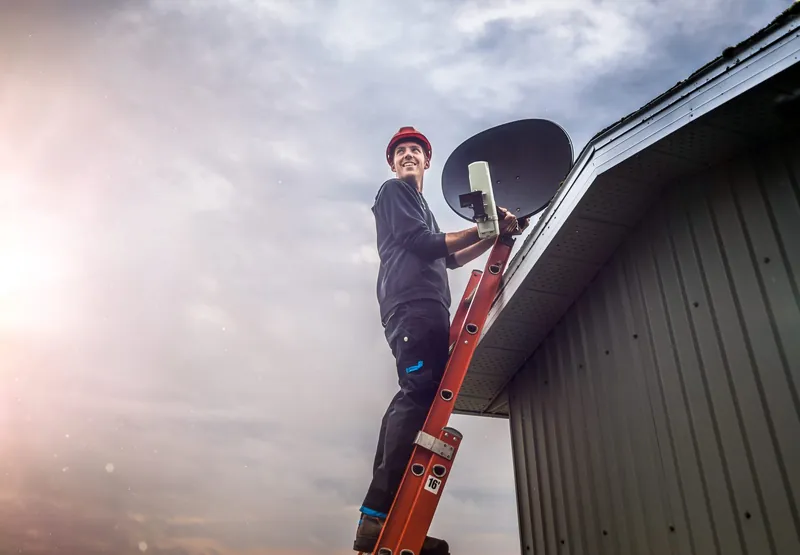
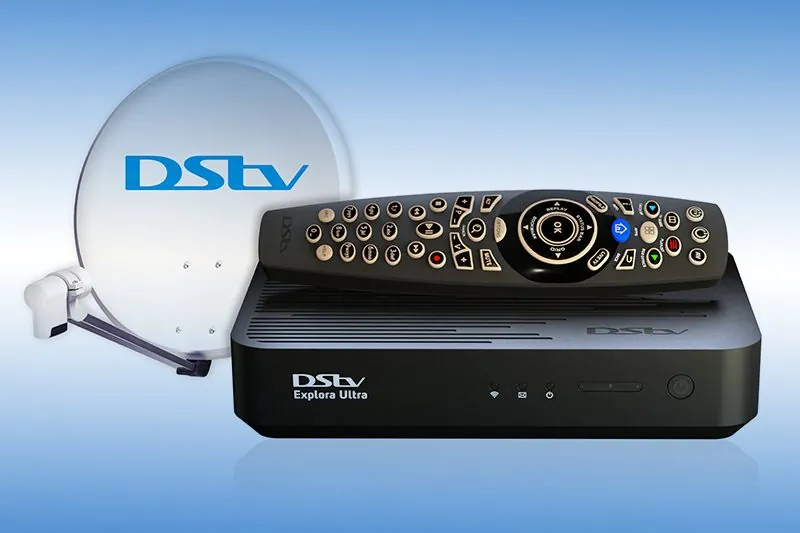
A DStv Explora installation is not quite the same job as plugging in a basic decoder. The Explora and the newer Explora Ultra are PVRs (personal video recorders), so they record one programme while you watch another, and that only works if the dish and cabling can feed the decoder properly. OnspotElec is an authorised DStv installer working throughout Gauteng, and we handle new Explora installs, upgrades from older decoders and setups that were started at home but never quite worked.
Below is what an Explora needs, what changes when you upgrade, how a visit runs and the problems we most often find after a self-install.
The Technical BitWhy an Explora Needs More Than a Single Feed
A basic HD decoder only ever shows one channel, so one cable from a simple LNB (the unit on the dish arm that collects the satellite signal) is enough. A PVR is different: while it records, it still has to let you watch something else. The Explora Ultra can record several channels at once. To do that, the decoder needs a signal path that can carry more than one channel at the same time.
- Smart LNB is DStv's recommendation. DStv's own product information says the DStv Smart LNB is recommended for all Explora installations. It builds the job of a DStv switch into the LNB and uses UniCable outputs, which lets a single cable serve a PVR.
- Older setups used more cable. Some existing Explora installs run separate cables from a multi-output LNB. These can still work, but a missing or faulty second cable is a common reason for recording conflicts.
- Two TV points is the norm. DStv's own voucher installation for Explora and Explora Ultra includes two TV points, compared with one for an HD Single View. That alone tells you an Explora install is a bigger job than a basic decoder.
- Old switches can get in the way. Splitters and older switches left in the line from previous setups can interfere with a Smart LNB, so part of the work is checking what sits between the dish and the decoder.
Complexes and apartment blocks are an exception. DStv says the Smart LNB is not generally suitable for multi-unit buildings, which usually run a shared dish with multiswitch distribution instead. If that is your situation, see our installation service for complexes and estates.
Upgrading From an HD Decoder to Explora
Swapping an HD Single View for an Explora usually means changes on the roof, not only at the TV cabinet. Here is what typically changes and why.
| Part of the setup | With an HD Single View | What an Explora usually needs |
|---|---|---|
| LNB on the dish | Often a basic single-output LNB | A Smart LNB in most homes, so the decoder can record and play back at the same time |
| Cable to the decoder | One cable, sometimes old and weathered | A sound cable run with proper F-connectors; perished or kinked cable is replaced |
| Switches and splitters | Sometimes added for a second TV | Checked and removed or replaced if they block the Smart LNB signal |
| Dish alignment | May have drifted slightly with no obvious symptom | Rechecked, because a PVR shows weak signal more clearly than a basic decoder |
| Internet connection | Not used | Recommended, so catch-up and apps work |
If your dish itself is damaged, rusted or mounted somewhere that has become blocked by trees or a new building, the upgrade is a good time to sort it out. Our page on dish and Smart LNB replacement explains when a full replacement makes more sense than a new LNB.
How We Set Up an Explora or Explora Ultra
Check what is already there
We look at the dish, LNB, cable route and any switches, and confirm the dish has a clear view of the sky towards the north-east.
Fit or confirm the right LNB
Where a Smart LNB is needed, we fit it and remove equipment in the line that would interfere with it.
Run or repair the cabling
Cable is routed neatly to the TV point, connectors are fitted properly and outdoor joints are weatherproofed.
Connect and test signal
We connect the decoder, check signal quality and confirm it can record one channel while you watch another.
Connect to your home Wi-Fi
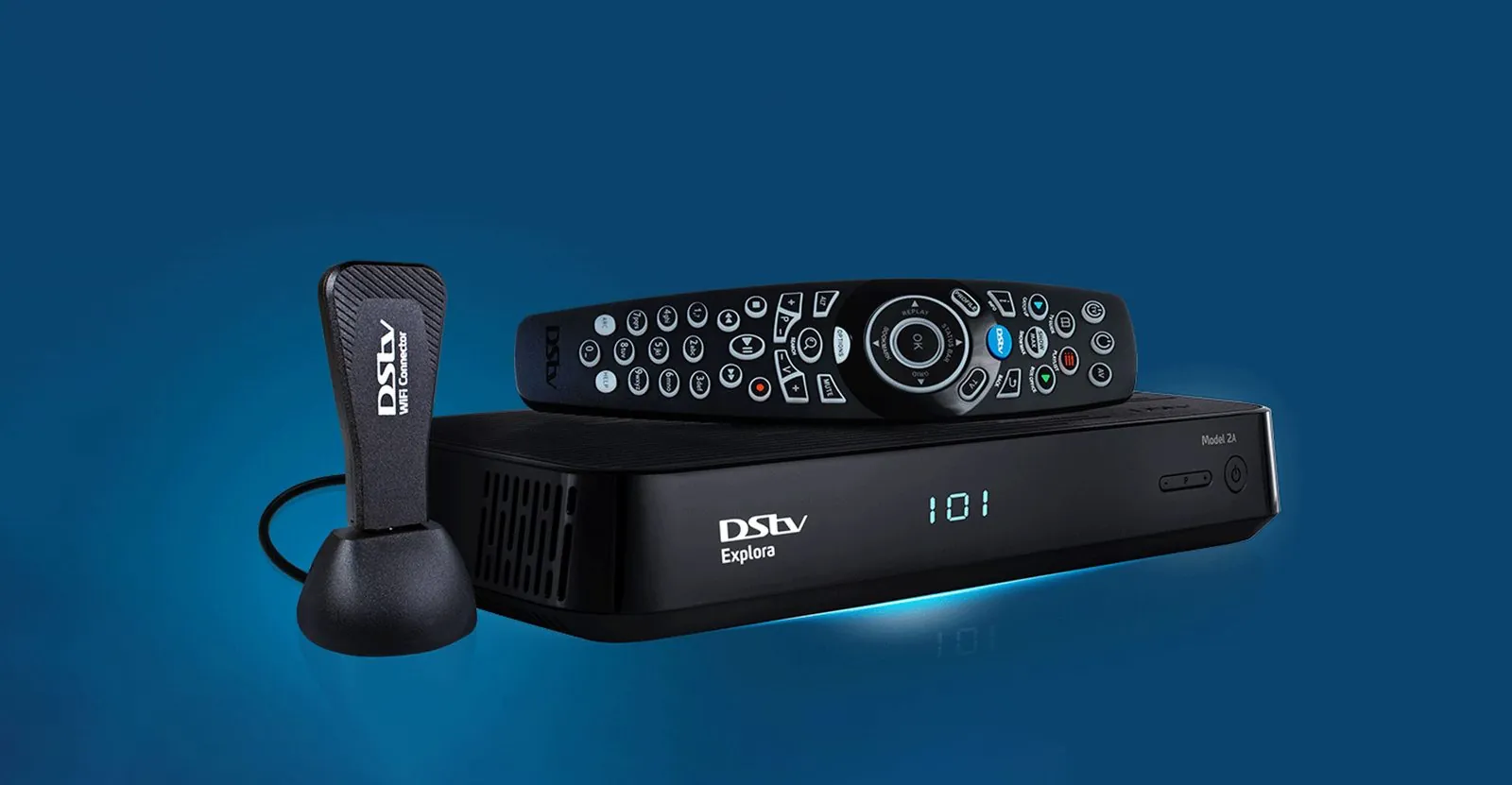
An Explora Ultra has built-in Wi-Fi. Older Explora models can use a DStv Wi-Fi connector. We link the decoder to your existing network if you have one.
Walk you through the basics
We check the TV input and picture settings and show you how to set a recording before we leave.
One honest limitation: we connect the decoder to Wi-Fi you already have, but we don't install routers or fix internet connections. If your Wi-Fi is weak in the TV room, your internet provider is the right person to help. Catch-up and streaming apps depend on that connection; satellite channels and recordings do not.
Bought an Explora and not sure whether your dish can handle it? Call 083 489 1322 and tell us what decoder you had before. We are open 24 hours.
Explora Problems We Often Find After a Self-Install
Plenty of people connect a new Explora themselves, and some of those installs work fine. When they don't, the symptoms tend to fall into a few groups.
- Recordings clash with live TV. The decoder is often only getting one usable feed, usually because the old LNB is still on the dish or a second cable is missing or faulty.
- Signal drops when it rains. A small amount of rain fade is normal in Gauteng's summer storms, but frequent dropouts point to marginal alignment or water in a connector.
- No signal at all after the swap. A Smart LNB connected through an old splitter or switch, or a loose connector at the decoder's satellite input, is a common cause.
- Catch-up says there is no connection. The decoder may never have been joined to Wi-Fi, or an older Explora is missing its Wi-Fi connector.
- Picture looks wrong on the TV. The HDMI cable, TV input or decoder resolution setting may need adjusting, especially with a 4K-capable Explora Ultra.
Not sure whether a professional install is worth it for your home? Our article on professional versus DIY installation sets out the trade-offs, and the Explora setup guide covers the decoder side in more detail. We work across the province, including Sandton and Centurion.
Explora Installation Questions
Usually, yes, provided the dish is in good condition and correctly aligned. The LNB and cabling are what most often need changing. We check the dish on site before recommending anything.
No. Satellite channels and recordings work without the internet. You need a connection for catch-up and the streaming apps built into the decoder.
Activation and anything to do with your subscription or account is handled by DStv through DStv's self-service channels. We make sure the decoder is connected and receiving signal so that activation can go through.
DStv's voucher package covers a set scope, and DStv itself notes that extra travel, cabling or amplification is charged, and that linking decoders falls outside it. Our quote is based on the actual work and equipment your property needs.
Yes, through XtraView, which needs the right cabling to both rooms. Our XtraView installation page explains the requirements.