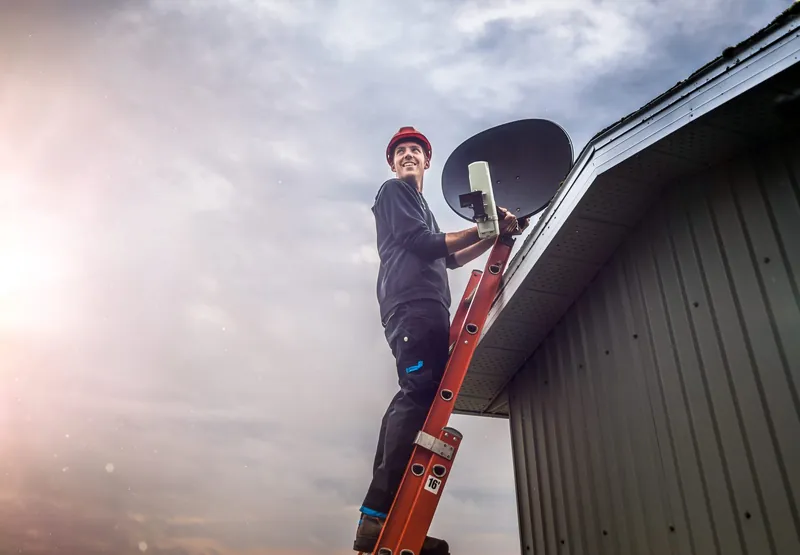
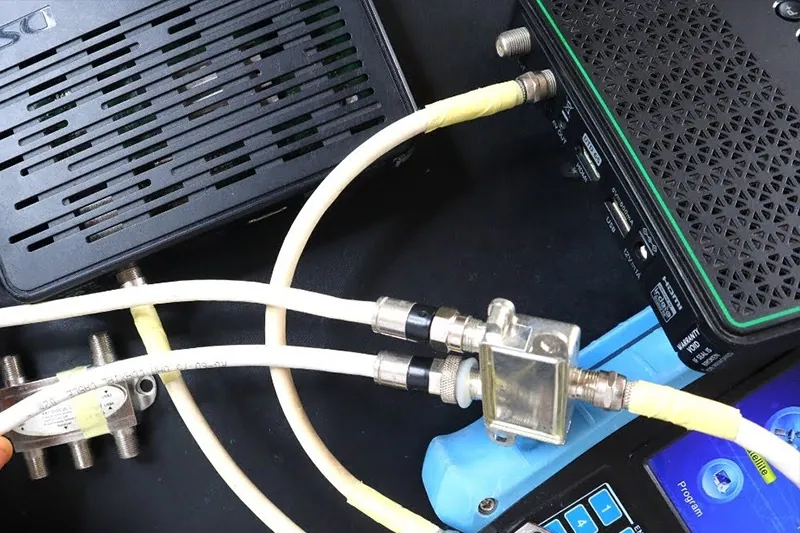
DStv Extra View installation (DStv spells it XtraView) lets two or three decoders in the same household share one subscription, so the lounge can watch rugby while the main bedroom watches a series. The decoders and the subscription are only half of it. Each decoder needs its own proper feed from the dish, and that is where most of the installation work lies. OnspotElec, an authorised DStv installer in Gauteng, plans and installs the cabling and dish equipment for XtraView, and also sets up extra TV points for homes that just want a second screen.
XtraView in Plain Terms
Here are the basics, taken from how DStv describes the service. We leave fee amounts out on purpose because they change; check current figures with DStv.
- Two or three decoders. XtraView links up to three decoders in one household under a single subscription.
- How you pay. You pay your normal subscription plus an Access Fee for each additional decoder.
- If a PVR is involved. When one of the decoders is a PVR such as an Explora, DStv says viewing on the second decoder carries no extra monthly fee, because the PVR access fee already applies.
- Same household only. The linked decoders have to be in the same home and connected to the same installation.
- Linking is done by DStv. DStv links the decoders on your account. Our part is making sure every decoder is installed, connected and receiving signal.
Our article What Is DStv Extra View? goes into the service itself in more detail.
On the RoofThe Dish and Cabling XtraView Depends On
Every linked decoder must receive its own satellite feed. You can't split one cable from a basic LNB between two decoders and expect both to change channels independently. There are two common ways to feed several decoders from one dish.
| Setup | How it works | Where it fits |
|---|---|---|
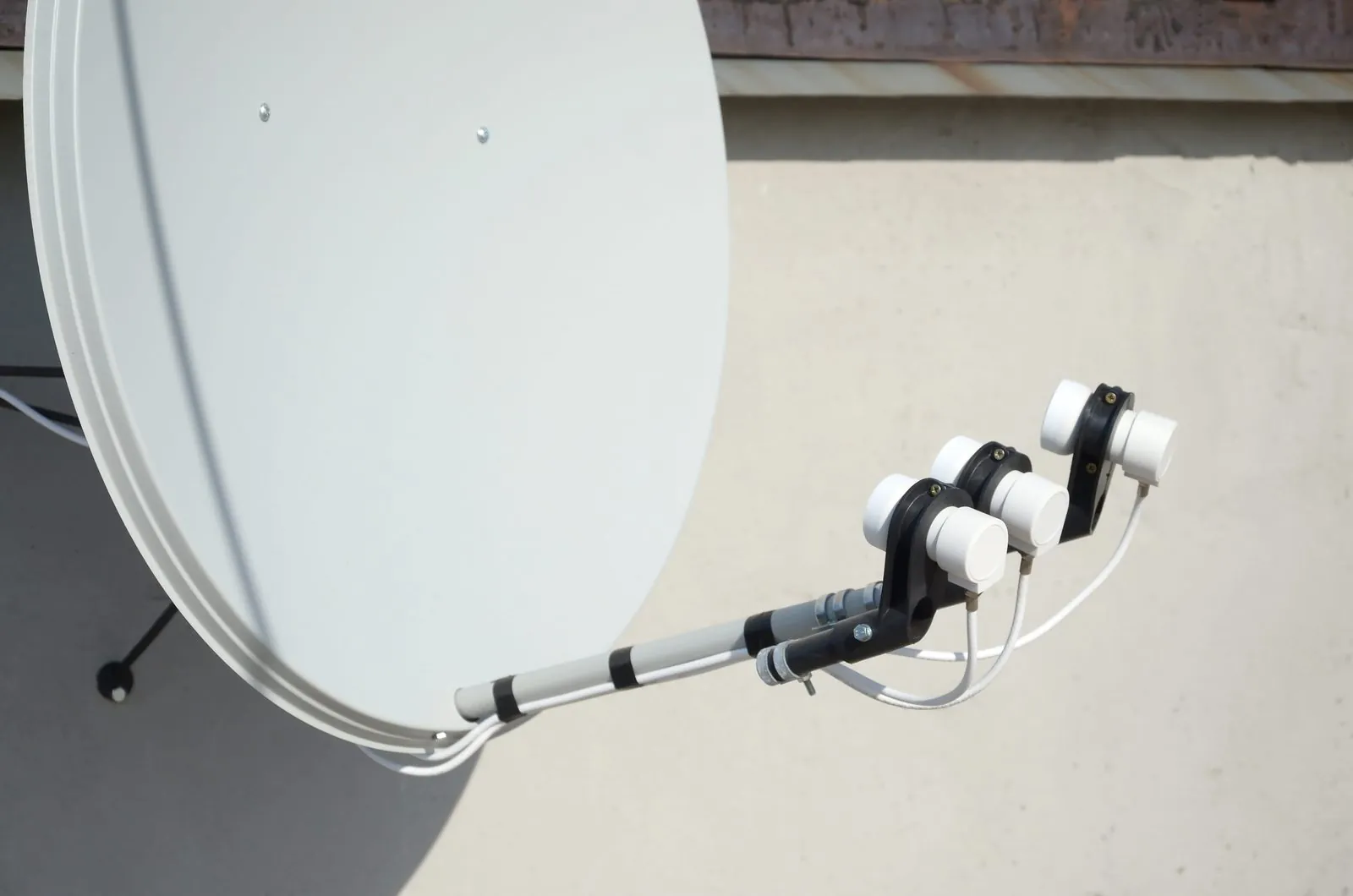
| DStv Smart LNB | Combines the job of a DStv switch inside the LNB and uses UniCable outputs, so fewer cables can serve more decoders | DStv recommends it for most XtraView installations and all Explora installations in single homes |
| Quad LNB with a multiswitch | Several cables run from the LNB to a multiswitch, which sends a separate feed to each TV point | Some larger homes, existing installs built this way, and situations where a Smart LNB doesn't suit the layout |
Which one we recommend depends on the decoders you have, how many rooms need TV, how long the cable runs are and what is already on your dish. Where a PVR is one of the linked decoders, it also needs a feed that supports recording. If your current LNB is old or a basic single-output model, it will usually need to change; see LNB and Smart LNB replacement.
When the second decoder shows E143-4
A commonly reported XtraView message, E143-4, means the secondary decoder is waiting for the primary decoder. The sensible first check is the main decoder: is it switched on at the wall, and is it showing a picture rather than a no-signal message? A primary decoder that has been unplugged or has lost signal through a cable fault is a common thread. If the main decoder is on and working and the message stays, the cause may be on the account side, which DStv handles, or in the cabling to the second room, which we can test.
A Second TV Without XtraView
Not everyone needs independent viewing. Sometimes you just want the same match on the patio TV that is playing in the lounge. That can be done without a second decoder by sending the picture from one decoder to a second screen, using an HDMI splitter or extender, or an RF output where the decoder and TV support it.
To be clear about the limitation: both screens show the same channel. Change the channel in the lounge and the patio changes too. For a braai area or a gym in the garage, that is often fine. For bedrooms where people want to watch different things, XtraView is the right answer.
Not sure whether you need XtraView or just a second TV point? Call 083 489 1322 and tell us how you use the rooms. We'll explain both options.
Planning Cable Routes to Bedrooms, Patios and Back Rooms
A tidy XtraView install comes down to the cable routes, and these are the questions we work through on site.
Where every TV will go
We confirm each viewing point, including the wall and height, so the cable comes out where the TV and decoder will actually sit.
The path from the dish
Cable typically runs through the roof space and drops down inside a wall or along a skirting. Back rooms and cottages may need cable run outside, fixed neatly and protected from the sun.
Distance and cable quality
Long runs to a flat at the bottom of the garden need good RG6 cable, proper connectors and sometimes amplification. Old, perished cable gets replaced rather than reused.
Outdoor and patio points
Patio TVs need the decoder kept dry and the cable entry sealed, so we plan where the decoder will live as well as the screen.
Testing every room
Once connected, each decoder is checked for signal on its own and with the others in use.
Some homes have walls, finishes or roof types that make a hidden route impractical. In that case we explain the options before any work starts, including surface trunking or an alternative route. For more on distribution, the guide to multiple viewing points is useful. We set up XtraView in homes around Roodepoort, Boksburg and the rest of Gauteng.
XtraView Installation: Common Questions
No. XtraView is for decoders in the same household, connected to the same installation.
A plain splitter from a basic LNB won't give each decoder its own independent feed. XtraView needs a Smart LNB or a multi-output LNB with suitable distribution.
No, DStv does that. We install and connect the equipment so the decoders are ready to be linked.
XtraView links up to three decoders. Extra screens showing the same channel as an existing decoder can be added separately.
Often the dish is fine and the LNB and cabling need changing. We check on site and tell you honestly what is needed.
DStv's own voucher installation notes that linking decoders falls outside the standard package, so the extra work is quoted separately.
It depends on the number of rooms, cable distances and equipment. We quote for the actual work at your property; request a quote to get started.