When DStv shows no signal, the decoder is telling you one thing: it is not receiving a usable signal from the satellite. The reason can be as harmless as a passing thunderstorm or as specific as a corroded connector, a dish knocked off its aim or a failed LNB. Most DStv no-signal problems fall into a small number of categories, and a few minutes of safe checking from inside the house usually tells you which direction to look.
This guide covers the common causes, a quick triage you can run without a ladder, and the point where it makes sense to call a technician. If your screen is showing the E48-32 code specifically, our step-by-step guide to the E48-32 message goes into that notification in more detail.
Two-minute triageFirst, Is It Just You?
Before thinking about faults, work out how far the problem reaches. That single answer narrows things down more than anything else.
- Look outside. If a heavy storm is overhead, the weather is the most likely cause. Wait for the worst of the rain to pass before doing anything else.
- Check every TV in the house. If you have XtraView or more than one decoder, see whether all of them have lost signal or only one.
- Ask around if you share a dish. In a complex or apartment block with a shared system, several units losing signal at once points to the shared equipment rather than your flat.
- Note whether it is total or partial. A complete loss on every channel is a different clue from a picture that freezes and breaks into blocks, or a few channels that refuse to play.
- Think back a few days. Was there roof work, painting, a strong wind, a tree being cut back, or furniture moved behind the TV unit?
Here is how those answers usually line up with the cause:
| What you notice | Likely area | Who usually sorts it |
|---|---|---|
| Signal gone during a heavy downpour, on every TV | Rain fade, which is temporary | Normally returns by itself |
| Every decoder has lost signal in clear weather | Dish, LNB, main cable run or switch | An installer |
| One decoder has no signal, the others are fine | That decoder's cable, connector, wall point or the decoder itself | Check connections, then an installer |
| Several units in a complex are affected | Shared dish or multiswitch distribution | Body corporate, managing agent or their installer |
| Picture breaks up or freezes, especially in light rain | Weak signal from alignment, connectors or cable | An installer |
| A subscription or payment message, with no signal warning | Your account, not the signal | DStv |
Weather: The Most Common Temporary Cause
DStv is broadcast on the Ku-band from a satellite high above the equator, and signals at those frequencies weaken when they pass through very heavy rain or dense storm cloud. This is called rain fade. During Gauteng's summer thunderstorm season, roughly October to March, short outages in the heaviest downpours are common.
The key word is short. Signal normally returns once the heaviest rain has passed. A correctly aligned dish with a healthy signal margin and well-sealed connectors also rides out more storms than a marginal installation. If your DStv drops out in every light shower, or stays off after the sky has cleared, the weather is exposing a weakness rather than causing the problem. Our article on DStv signal during heavy rain and storms covers this in depth.
Cable and Connector Faults Behind the Scenes
Satellite TV runs on coaxial cable, usually the RG6 type, joined with small screw-on F-connectors. Every join and every metre of cable between the dish and the decoder is a place where signal can be lost. Cable faults are among the most frequent causes of a no-signal or weak-signal problem, and they often show up gradually.
- Water getting in. Rain seeps into a poorly sealed outdoor connector, corrodes it, and the signal fades over weeks or disappears after a storm.
- Sun-damaged sheathing. Years of UV exposure crack the outer jacket, letting moisture reach the copper inside.
- Kinks and tight staples. Coax does not like being bent sharply, crushed under a door or pinned flat with staples.
- Rodents. Rats and mice chew cables in roofs and ceiling voids, sometimes right through the core.
- Cheap twist-on connectors. They work loose and let water in more easily than properly fitted connectors.
- A pulled lead. Moving the TV cabinet or cleaning behind it can tug a cable half out of the decoder or the wall plate.
Damaged sections and failed connectors are usually replaced rather than patched. See cable and connector repairs for how that work is done, or how to spot damaged cables for what to look for yourself.
Dish Alignment and Physical Damage
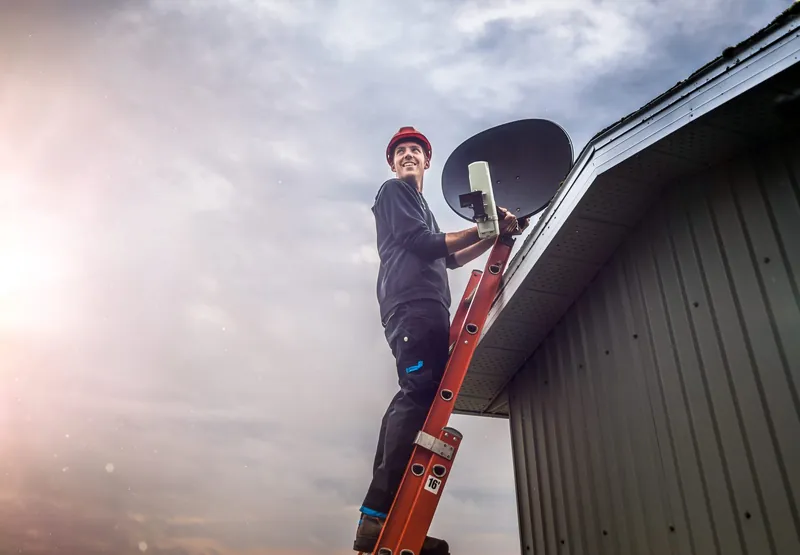
From Gauteng, a DStv dish points roughly north-east and is angled upward towards the satellite. It needs to be aimed precisely; a small shift at the dish becomes a big miss in space. Strong wind, hail, a ladder leaned against the bracket, or someone working on the roof can all move a dish enough to weaken or lose the signal.
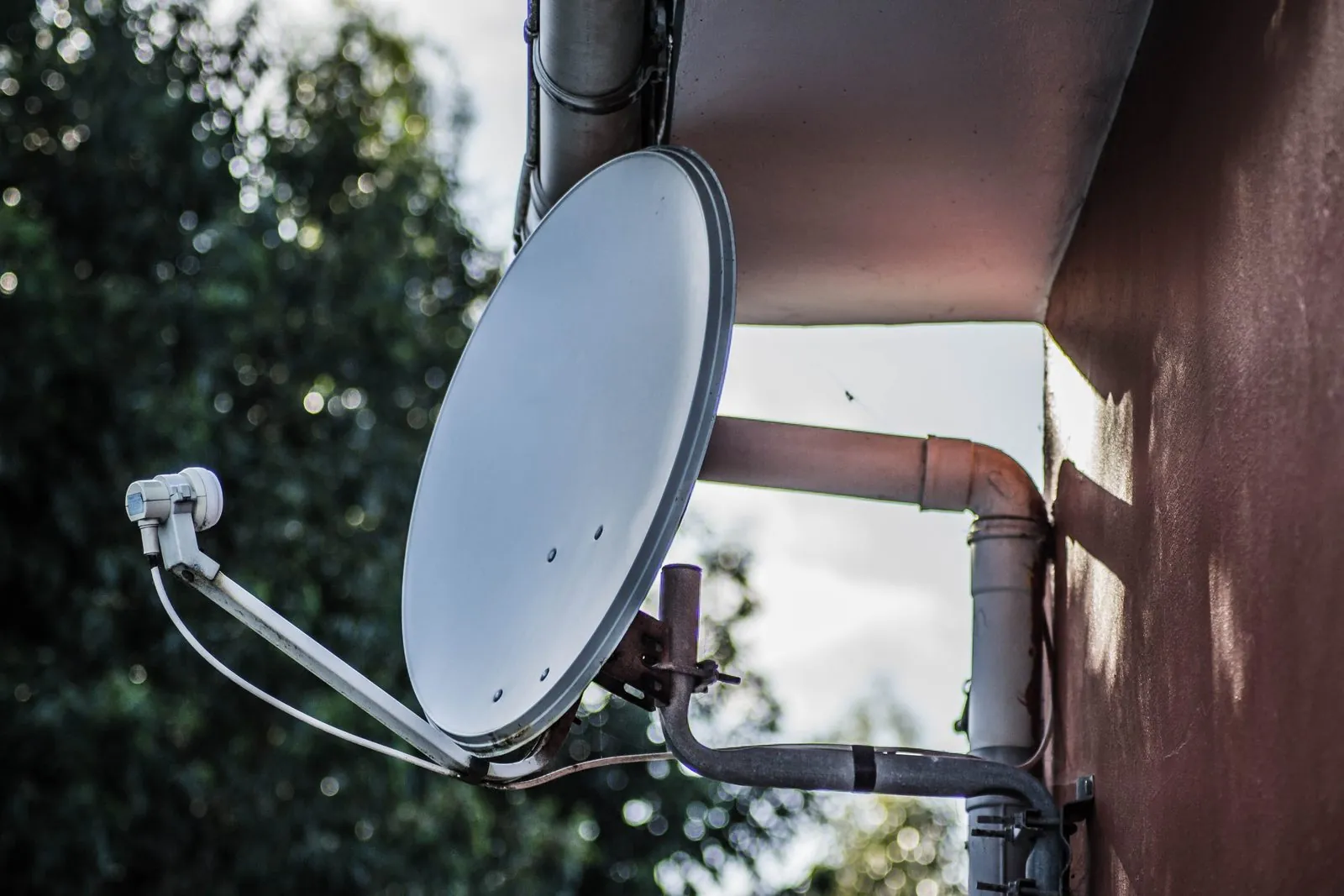
Sometimes the damage is visible from the ground: a dish sitting at an odd angle, a bent arm, a cracked reflector or an LNB hanging loose. Often it is not, which is why a technician measures the signal rather than judging by eye. Our guide to the signs of a misaligned dish explains the symptoms in more detail.
LNB and Distribution Equipment Failures
The LNB is the unit on the end of the dish arm. It collects the signal the dish focuses onto it, converts it, and sends it down the coaxial cable. Because it sits outside in the sun, rain and cold all year, it is a common point of failure on an older installation.
Homes with more than one decoder also have distribution equipment: a DStv Smart LNB (which builds switch features into the LNB itself), a separate switch, a splitter, or in multi-unit buildings a multiswitch serving many flats. If one of these fails, several decoders can go down together. When every decoder in the house has lost signal and the dish looks undamaged, the LNB or switch is a strong candidate, and a technician can test it directly. LNB and Smart LNB replacement covers what is involved.
Something Is Now in the Way
A dish that worked perfectly for years can lose signal because its view of the north-eastern sky has changed. Trees grow, a neighbour adds a second storey, a carport or patio roof goes up, or your own renovation puts a wall in the path. The loss can be gradual, getting worse as branches fill out, and is easy to mistake for an equipment fault.
Trimming can sometimes help, but if the obstruction is permanent the dish usually needs to move. Dish relocation and reinstallation is the fix for that.
When the Decoder Itself Is the Problem
A faulty tuner inside the decoder can produce a no-signal message even when the dish and cables are fine. It is less common than people tend to assume, though. If another decoder in the house works when connected to the same cable point, the original decoder becomes the main suspect. If both fail on that point, the problem is upstream in the installation.
Safe to do yourselfChecks You Can Do Without a Ladder
- Restart from the wall. Switch the decoder off at the wall plug, leave it for a minute, switch it back on and let it start up fully.
- Reseat the satellite cable. With the decoder off, check the cable at the decoder's LNB or satellite input is firmly connected and not bent at the plug.
- Follow the visible cable. Look along any cable you can reach from the floor for cuts, crush marks, chewing or sharp kinks.
- Look at the dish from the ground. Check for obvious tilting, damage, a loose LNB or new branches in front of it.
- Write down any code. Note the exact message and code on screen; it helps a technician or DStv point you in the right direction.
Please do not climb onto the roof, lean a ladder against the dish or open the decoder, LNB or power supply. Roof work is dangerous, and a moved dish can be harder to put right. If the safe checks do not bring the signal back, call 083 489 1322 and we will take it from there.
Not Every Blank Screen Is a Signal Fault
Some DStv messages look alarming but have nothing to do with the dish. E16-4 is commonly reported as a subscription or payment issue, E30 usually means the decoder is waiting while a subscription is confirmed, E04 relates to the smartcard, and E143-4 appears on a secondary XtraView decoder that cannot reach the primary one. Account and billing problems are handled by DStv, not by an installer, so for those use DStv's self-service channels. We cover these codes in a little more detail in the E48-32 guide linked above.
No-Signal Questions We Hear Often
In clear weather the usual causes are a loose or corroded connector, damaged cable, a dish that has moved, a failed LNB or switch, or something new blocking the dish's view. If only one TV is affected, start with that decoder's connections.
Yes, if it is the cable between the LNB and the switch or splitter, because everything downstream depends on it. A damaged lead between a wall point and one decoder will usually only affect that TV.
It can clear a software hiccup and is worth trying first. It will not fix a physical problem such as a damaged cable, a moved dish or a failed LNB.
It depends on what testing finds. Sometimes a connector or one section of cable is all that is needed; sometimes several worn parts make a partial rebuild more sensible. A quote is based on the actual work and equipment required.
If you have worked through the checks and the signal is still missing, OnspotElec can help. We are an authorised DStv installer serving homes and properties across Gauteng, open 24 hours with emergency assistance available. Call 083 489 1322 to describe what you are seeing; scheduling depends on your location, the fault and technician availability.