A DStv remote control that stops working is annoying, but it is very rarely a reason to call a technician. In most cases the cause is flat batteries, something blocking the remote's path to the decoder, or a remote that has lost its connection to the decoder or its TV settings. All of these can be checked at home without tools.
We would rather tell you that upfront than send someone out for a battery change. Work through the steps below in order and you will usually find the answer by step three.
Step One: Rule Out the Batteries
It sounds obvious, but weak batteries cause more remote complaints than anything else. A remote on dying batteries often works intermittently, only from close up, or for some buttons and not others, which makes it look like a fault.
- Fit a fresh pair. Use new batteries from the same pack, not one new and one old.
- Check the contacts. If you see white or green crust in the battery compartment, the old batteries have leaked. Clean the contacts gently with a dry cloth before fitting new ones.
- Check the orientation. Make sure each battery matches the markings inside the compartment.
Step Two: Watch the Decoder's Front Panel
The decoder itself can tell you whether the remote's signal is arriving. On the DStv HD decoder, DStv's quick guide explains that a green blink on the front panel light means the decoder has received a command from the remote. Other models have their own front panel indicators, described in their guides.
- Point the remote at the front of the decoder and press a button such as channel up.
- Watch the front panel. If the light responds, the remote is reaching the decoder, and the problem is more likely the decoder or the TV.
- If nothing happens, try again from closer, aimed straight at the decoder.
- If the decoder does not respond from close up either, move on to pairing and line of sight below.
A further check many people find useful: depending on the remote, a phone camera pointed at the end of the remote may show a faint flashing light when you press a button. If you see it, the remote is transmitting. Not every remote or phone camera shows this, so do not treat a blank result as proof of a fault.
Step Three: Clear the Line of Sight
Many remotes need a clear path to the front of the decoder. Things that commonly get in the way:
- The decoder inside a closed cabinet. Glass or wooden doors can block the remote's signal. Open the door and test again.
- Objects in front of the decoder. Speakers, ornaments or a soundbar placed in front of it.
- Strong sunlight or bright lighting. Direct sun on the front of the decoder can sometimes interfere with remote reception.
- A decoder moved out of view. If the decoder has been moved behind the TV or into another room, the remote may no longer reach it.
Step Four: Pairing and Re-pairing
Depending on your decoder and remote, the remote may need to be paired with the decoder before it works, and this pairing can be lost after a battery change, a replacement remote or a new decoder. The steps differ between models, so follow the pairing steps in your decoder's user guide or DStv's help pages rather than guessing at button combinations.
A few general points help. Make sure the decoder is switched on and showing a picture first, stand close to it while pairing, and use fresh batteries. If you have more than one DStv decoder in the house, check that each remote is set up for its own decoder, otherwise one remote may change channels on the wrong TV.
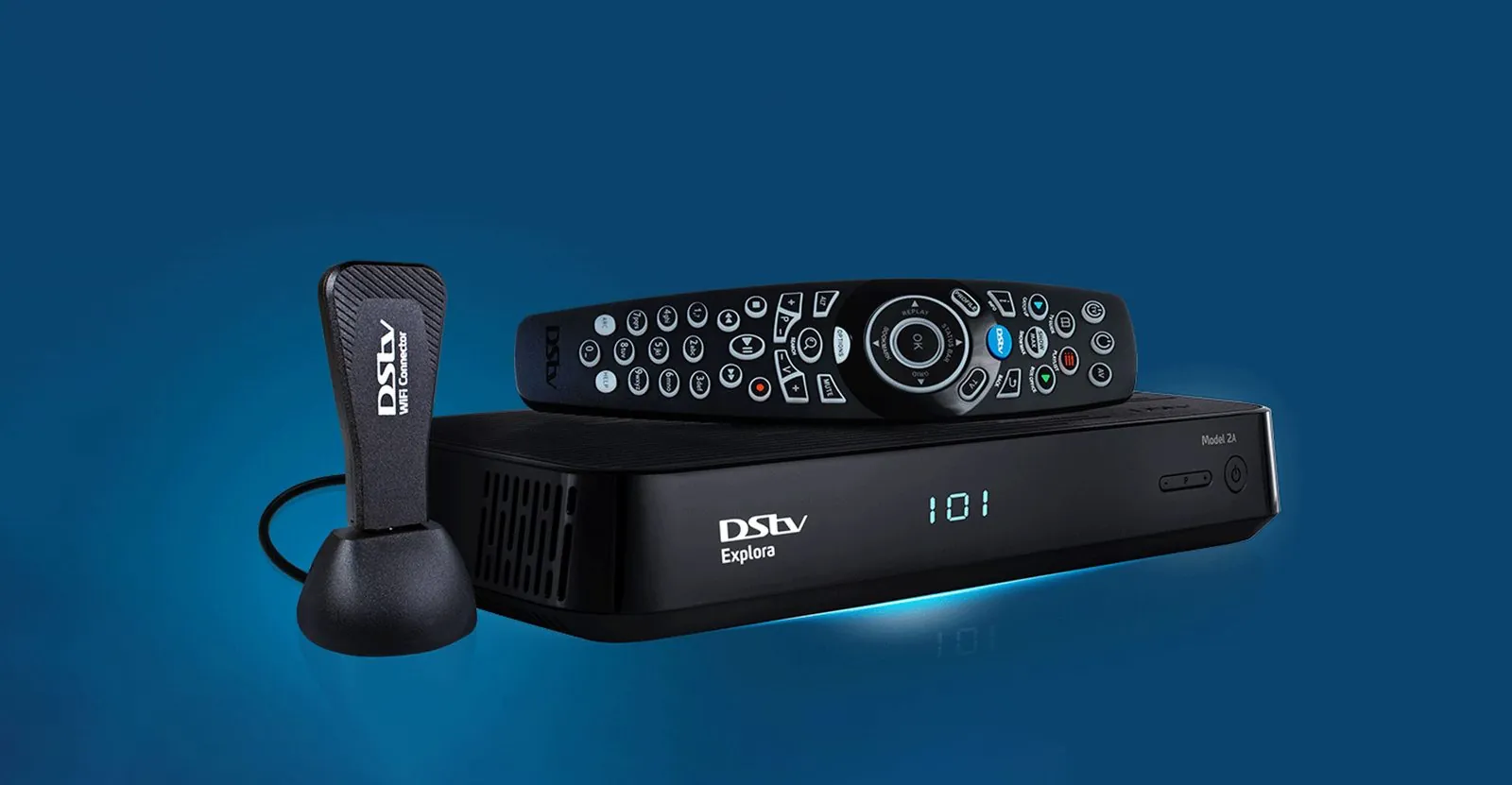
DStv's help pages note that the Explora Ultra comes packaged with the A9 remote, and that remotes shipped with all Exploras are compatible with it. So if you have upgraded, an older Explora remote can usually still be used.
Step Five: TV Control Settings
DStv remotes can be set up to control other devices such as your TV's power and volume. If the remote changes channels but will not turn the TV on or adjust the volume, the decoder side is working and only the TV setting is wrong or has been reset.
- After a new TV. The remote needs to be set up again for the new TV's brand.
- After someone has been pressing buttons. Children, or a remote left face down on the couch, can change settings by accident.
- If the first setup attempt did not take. Work through the TV setup in the guide again from the start, with the TV switched on and fresh batteries in the remote.
Your remote's quick guide or DStv's help pages explain how to set this up for your model.
When a Replacement Remote Makes Sense
If the remote has been dropped, has sticky or worn buttons, has been in water, or still does nothing after fresh batteries and pairing, it may have reached the end of its life. Replacement DStv remotes are available from DStv's own store and from retailers that sell DStv equipment. Check that the remote you buy is compatible with your decoder model.
Remote working, front light responding, but still no picture or a signal message? That is no longer a remote problem. Call OnspotElec on 083 489 1322 to have the signal and installation checked.
When You Do Need Help
A remote fault on its own almost never needs an installer. Call a technician when the remote is clearly working but the decoder is not responding, the decoder has no picture, or you are seeing no-signal or missing channel messages. Those point to the decoder, the dish, the LNB or the cabling. Our guides to missing DStv channels and replacing a DStv decoder cover those situations, and our DStv repair service covers Gauteng.
Remote Control Questions
Weak batteries are the usual cause. If fresh batteries do not help, check for anything blocking the front of the decoder.
The remote's TV control setting is missing or wrong, often after a new TV or a battery change. Set it up again using your remote's guide.
Usually not. Try the checks in this article first, and replace the remote through DStv or a retailer if it has failed. An installer is only needed if the decoder or signal is at fault.
If you have worked through every step and the problem turns out to be bigger than the remote, OnspotElec is open 24 hours. Call 083 489 1322 and describe what the decoder and TV are doing, and we will tell you whether a visit is worthwhile.