When DStv channels go missing, the cause falls into one of four groups: your subscription, DStv changing its channel line-up, a weak or partial satellite signal, or the decoder and TV setup in your home. The quickest way to narrow it down is to look closely at which channels are gone and what the screen says when you try to watch them.
Use the checks below in order. The first two need nothing more than your remote and a few minutes, and they solve a lot of cases without a technician.
Start With What the Screen Tells You
- A message about the service being scrambled. The commonly reported E16-4 code usually relates to your subscription or payment. This is one for DStv, not an installer.
- A message asking you to wait while your subscription is confirmed. E30 is commonly reported after activation or a renewal. Leave the decoder on a channel for a few minutes.
- A no-signal message on some channels only. This points to weak signal on part of the satellite feed, covered further down.
- The channel is simply not in the guide. It may have moved number, changed name or been removed from the line-up.
- A black screen with no message. Check the TV input and HDMI connection before anything else.
Account and Package Changes
If channels disappear after a payment, a package change or the start of a new month, the subscription is the first suspect. DStv's packages and what they include change from time to time, and a channel you had last month may not be in your current package.
Your installer cannot see your account or restore channels on it. Check your package and payment status through DStv's self-service channels, or contact DStv directly. If you have more than one decoder, make sure you are checking the right one; each has its own number on your account.
When DStv Changes the Channel Line-Up
Channels are sometimes renumbered, renamed, replaced or closed by DStv. When that happens, the channel you are looking for has not failed; it has moved or no longer exists. Check DStv's TV guide or announcements to see whether a channel has changed.
If you set up a favourites list or parental controls, a channel can also seem to vanish because it is filtered out of the list you are browsing, or locked behind a PIN. Switch to the full channel list to rule this out.
Signal sideSome Channels Work, Others Do Not
This is the pattern that most often needs a technician. The satellite broadcasts DStv's channels on a number of different frequencies, called transponders, with several channels grouped on each one. If your dish is slightly out of alignment or the LNB is weakening, the strongest frequencies may still come through while weaker ones drop out.
The result is a frustrating mix: news works, sport does not; one block of channels breaks up while the rest look fine. It often gets worse in cloudy or rainy weather, because a dish with only just enough signal has no margin to spare.
Likely causes of partial signal
- Dish alignment. Wind, hail, roof work or someone leaning a ladder against the bracket can move a dish just enough to lose the weaker channels.
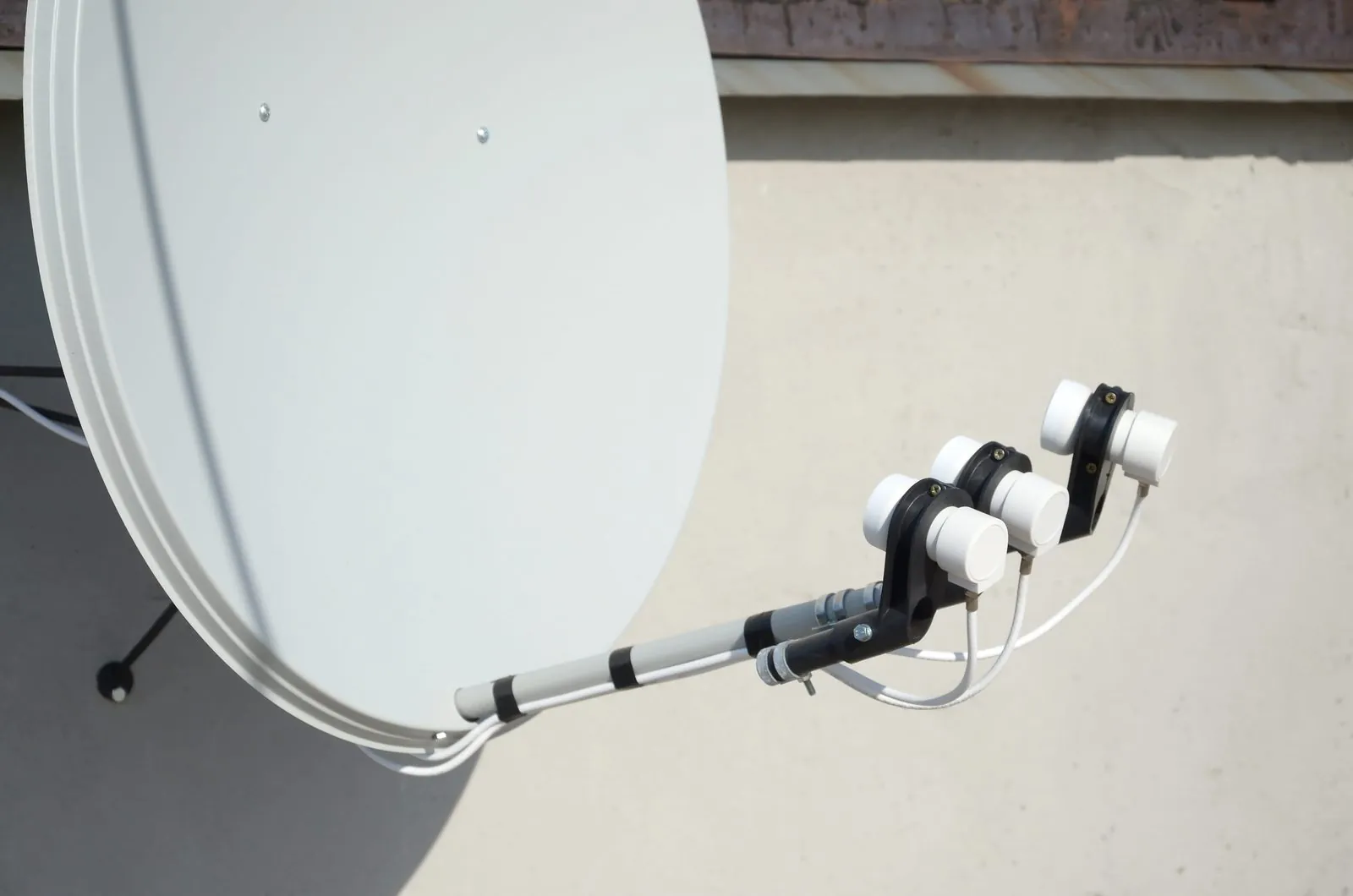
- A failing LNB. LNBs age and can lose performance on part of the signal before failing completely.
- Cable and connectors. Water in a connector or sun-damaged cable can weaken the signal enough to lose some channels.
- Something in the way. A growing tree or new building in the dish's line of sight to the north-east can cut the signal margin.
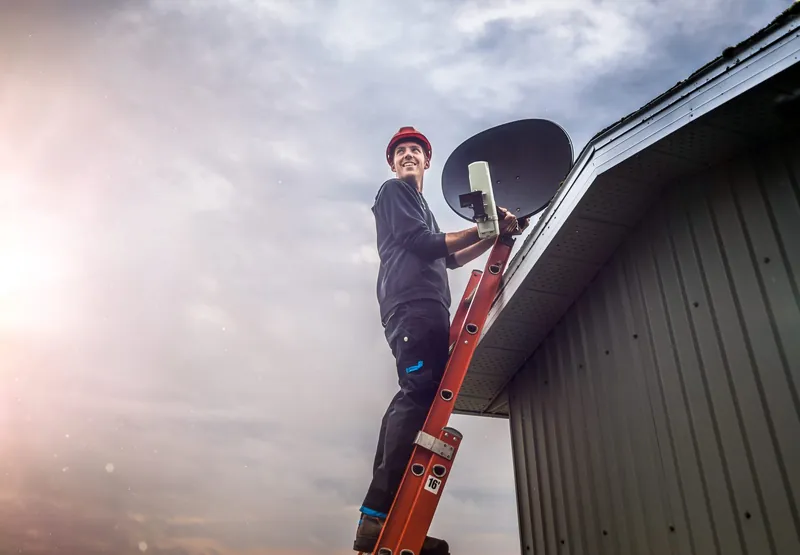
Leave the dish where it is rather than climbing up to nudge it. Even a small adjustment needs a signal meter to get right, and roof work is dangerous. Our dish alignment and signal testing service measures the signal and resets the dish properly. For more on the warning signs, read how to tell if a dish needs realigning.
Lost a block of channels and it has not come back after the weather cleared? Call OnspotElec on 083 489 1322. Emergency DStv assistance is available, any time of day.
Decoder Restarts and Software Updates
A decoder that has been running for a long time, or that was interrupted during an update, can occasionally lose track of channels. Try these steps before calling anyone:
- Switch the decoder off at the wall plug, wait about a minute and switch it back on. Let it fully start up before changing channels.
- Leave the decoder on standby rather than switched off at the wall, so it is available when DStv sends information to it.
- Check for a software update. On the HD Single View decoder, DStv's help pages describe pressing the blue DStv button, then going to Settings, User Preferences, General and choosing Download latest software. If the option is greyed out, the decoder already has the latest software. Menus differ on other models, so check your decoder's guide.
- If the decoder has a signal or installation menu, look at the signal readings. Low readings point back to the dish, LNB or cable rather than the decoder.
Wrong Input or HDMI Trouble
If every channel shows a black screen, or the TV says there is no input, the decoder may be fine and the problem is between the decoder and the TV.
- Input selection. Use the TV's own remote to select the HDMI input the decoder is plugged into.
- Loose or damaged HDMI cable. Reseat both ends, or try a different cable and a different HDMI port.
- Sound but no picture, or picture but no sound. This often points to the HDMI connection or the TV's settings rather than the satellite signal.
Channels Missing on the Second Decoder Only
In an XtraView setup, DStv says linked decoders share the same package and receive the same channels. So if one decoder has a channel and the other does not, the account is not usually the reason. Common causes are:
- The secondary has lost contact with the primary. The commonly reported E143-4 message appears when a secondary decoder is waiting for the primary. Make sure the primary decoder is switched on.
- A weaker feed to that room. A longer cable run, a damaged connector or a poor split can starve one decoder of signal while the other is fine.
- A decoder-specific fault. If the feed tests well and the problem stays with one decoder, the decoder may need attention through DStv.
Our article explaining how XtraView links decoders goes into the primary and secondary roles.
Missing Channel Questions
It can take a short while for a payment to reflect on the decoder. Leave it on a channel for a few minutes. If channels are still missing, contact DStv to check the account.
Usually because the signal is weak on some of the satellite frequencies. Alignment, a failing LNB or damaged cabling are the usual reasons, and they need a technician with a signal meter.
No. Packages, payments and channel access are managed by DStv. An installer can fix the signal so the channels you pay for come through reliably.
Yes. OnspotElec works across Gauteng, including Pretoria, Centurion and Johannesburg. Call to check availability for your area.
If the pattern points to your dish or cabling, or you simply cannot work out why channels are gone, phone OnspotElec on 083 489 1322. We will tell you honestly if it sounds like an account issue for DStv instead.