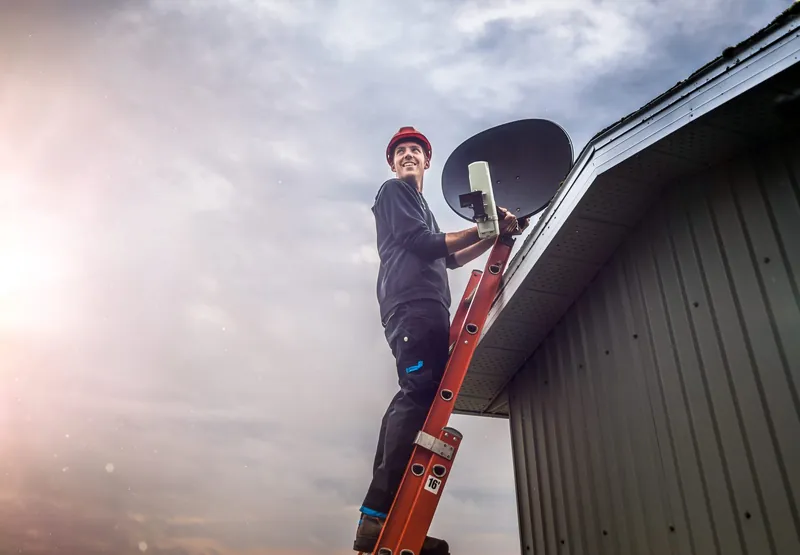
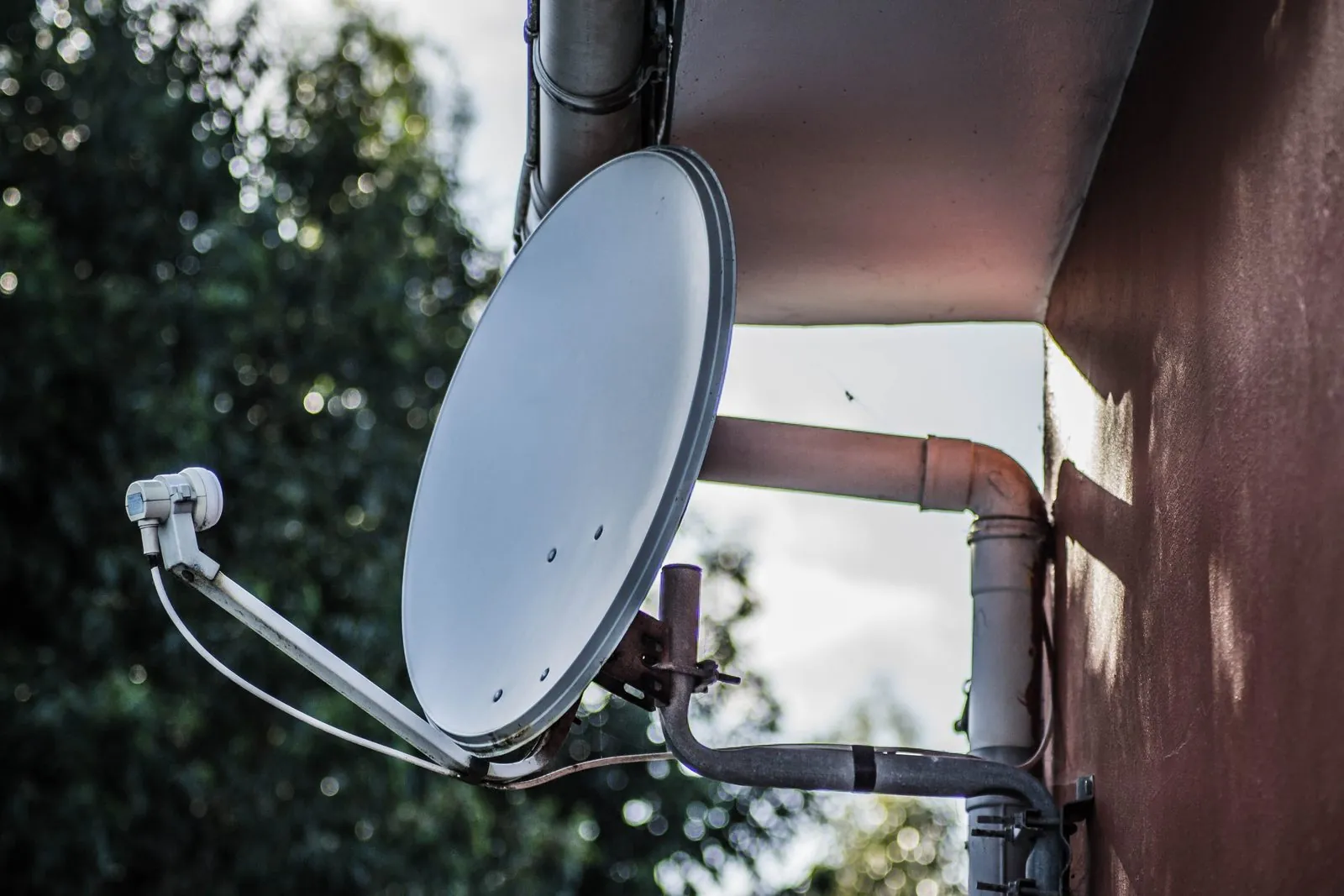
Preparing for a DStv installation mostly means making a few decisions early: which rooms get a TV point, which decoder you are using, and whether anyone else needs to approve the dish position. Add clear access for the technician on the day, and most installations run without surprises.
The checklist below is split into what to do before you book, what to do in the days before the visit, and what to have ready on the morning itself.
Before you bookDecisions That Shape the Whole Job
These choices change the equipment, the cable runs and the quote, so settle them first.
Where each TV will live
Think about where the TV will be in a year's time, not just where it stands today. If you plan to wall-mount a TV in the lounge or move the main TV into a different room after a renovation, the cable point should end at that final position. Moving a cable point later means another visit.
How many viewing points you want
Decide whether you want DStv in one room or several. Watching different channels in two or three rooms on one subscription uses DStv's XtraView option, which needs a decoder per room and the right LNB and cabling to feed them. Our XtraView and additional TV point service explains the setup. Even if you only want one TV now, it can be worth asking about running a second cable while the installer is already on the roof.
Which decoder you are using
An Explora or Explora Ultra installation in a standard house normally uses a DStv Smart LNB, which DStv recommends for Explora setups. An HD Single View decoder has simpler needs. Tell the installer exactly which model you have, or plan to buy, when you ask for a quote.
Whether the old dish stays
If there is already a dish on the property, mention it. Depending on its condition and position, it may be reused, realigned, or replaced. A dish left behind by a previous owner may also have drifted out of alignment or carry an LNB that does not suit your decoder.
Getting Permission in Writing
This step is easy to skip and expensive to forget. If the technician arrives and the body corporate or landlord objects, the visit can end before any work starts.
- Complexes and sectional title. Conduct rules often specify where dishes may go, or whether individual dishes are allowed at all. Ask the trustees or managing agent.
- Estates. HOA rules frequently control dish placement and visibility from the street. Get approval before the installation date.
- Rentals. Tenants need the landlord's permission for drilling, mounting and cable routing. A short email confirming it is useful to have.
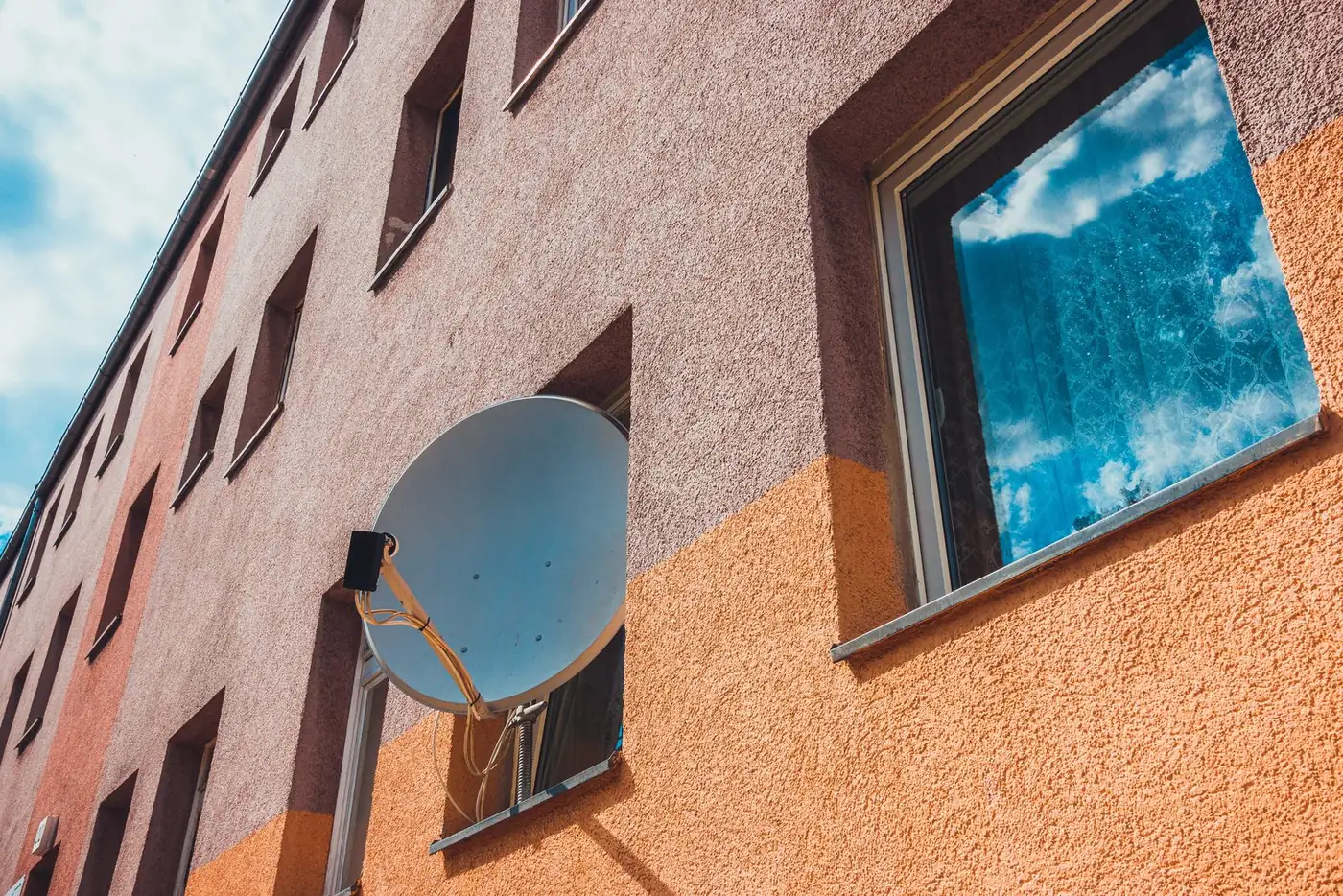
Flats and complexes often feed every unit from a shared dish, so the job may look very different from a house. Our guide to DStv in apartments and complexes covers what to expect.
Looking at Your Property Through an Installer's Eyes
You do not need any tools for this. Walk around the outside of the property and look at a few things from the ground.
- The north-eastern sky. DStv's satellite sits to the north-east of Gauteng and the dish points upward towards it. Large trees, a neighbour's double storey or tall walls on that side may limit where the dish can go.
- Overhead power lines. Note where they run. Dish and cable work must stay well away from them, which can rule out certain positions.
- The likely cable route. Think about how a cable could get from the roof or wall to each TV: through the ceiling, down an outside wall, or through existing conduit.
- Plug points. Each decoder needs a power point near the TV. If a room does not have one, arrange it with an electrician before the installation.
Do this from the ground only. Please do not climb onto the roof or up a ladder to check anything; that is the technician's job, and they are equipped for it.
If you are unsure whether your property has a suitable spot for the dish, call 083 489 1322. A quick description of the house often tells us a lot.
On the dayYour Installation Morning Checklist
- Make sure an adult who can make decisions about the property is at home for the whole visit.
- Clear a path along the side of the house where a ladder may be needed, and move cars if the ladder needs to stand on the driveway.
- Keep dogs and other pets indoors or in a closed-off area while gates are open and ladders are up.
- If the cable will go through the ceiling, clear the space under the ceiling hatch and make sure it can be opened.
- Move furniture away from the wall behind each TV so the cable point and decoder can be reached.
- Have the decoder, its remote and any accessories unboxed and in the room where they will be used.
- If you have an Explora Ultra and want its streaming apps connected, have your Wi-Fi name and password handy.
- Keep your DStv account details nearby. Anything relating to your subscription, payments or activation is handled with DStv directly, not by the installer.
Things to Leave Alone Until the Technician Arrives
It is tempting to get a head start, but some jobs cause more work than they save.
- Removing an old dish yourself. It may be reusable, and taking it down involves working at height.
- Pre-running your own cable. Cable that is kinked, stapled too tightly or fitted with cheap twist-on connectors may have to be replaced anyway.
- Drilling holes in walls. The installer will want to choose the entry point based on the cable route and the TV position.
Once the dish is up and the decoder is tested, ask the technician to show you where the cable runs and where any outdoor connections are. That knowledge is useful if you ever have a fault later.
Preparation Questions We Hear Often
Yes, or have another responsible adult there. Decisions about the dish position, cable route and TV points are often made on site, and someone needs to approve them.
It is usually better to wait for approval than to install and risk being asked to move the dish later. Moving a dish means remounting, realigning and often recabling.
You can, but tell the installer which decoder you intend to use. The LNB and cabling depend on it, and the wrong choice can mean changing parts later.
OnspotElec installs DStv for homes, flats and businesses across Gauteng, including Pretoria East and surrounding suburbs. When your property is ready, call 083 489 1322 or read more about our installation service.