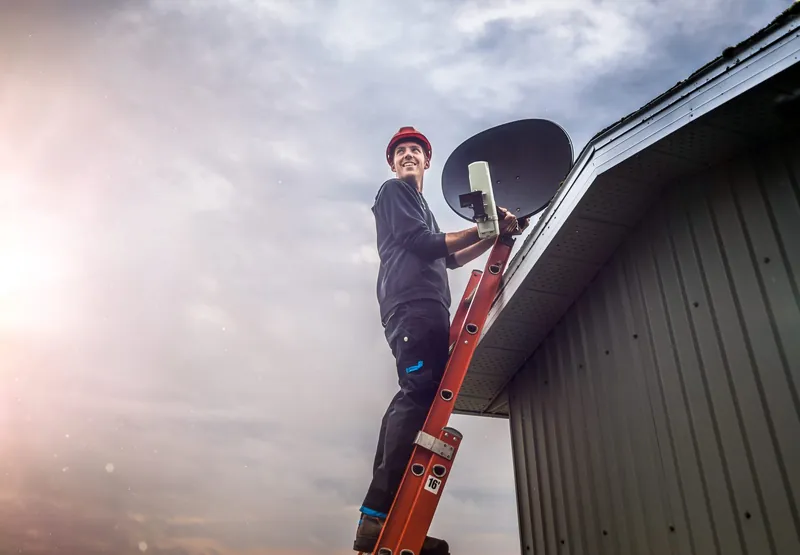
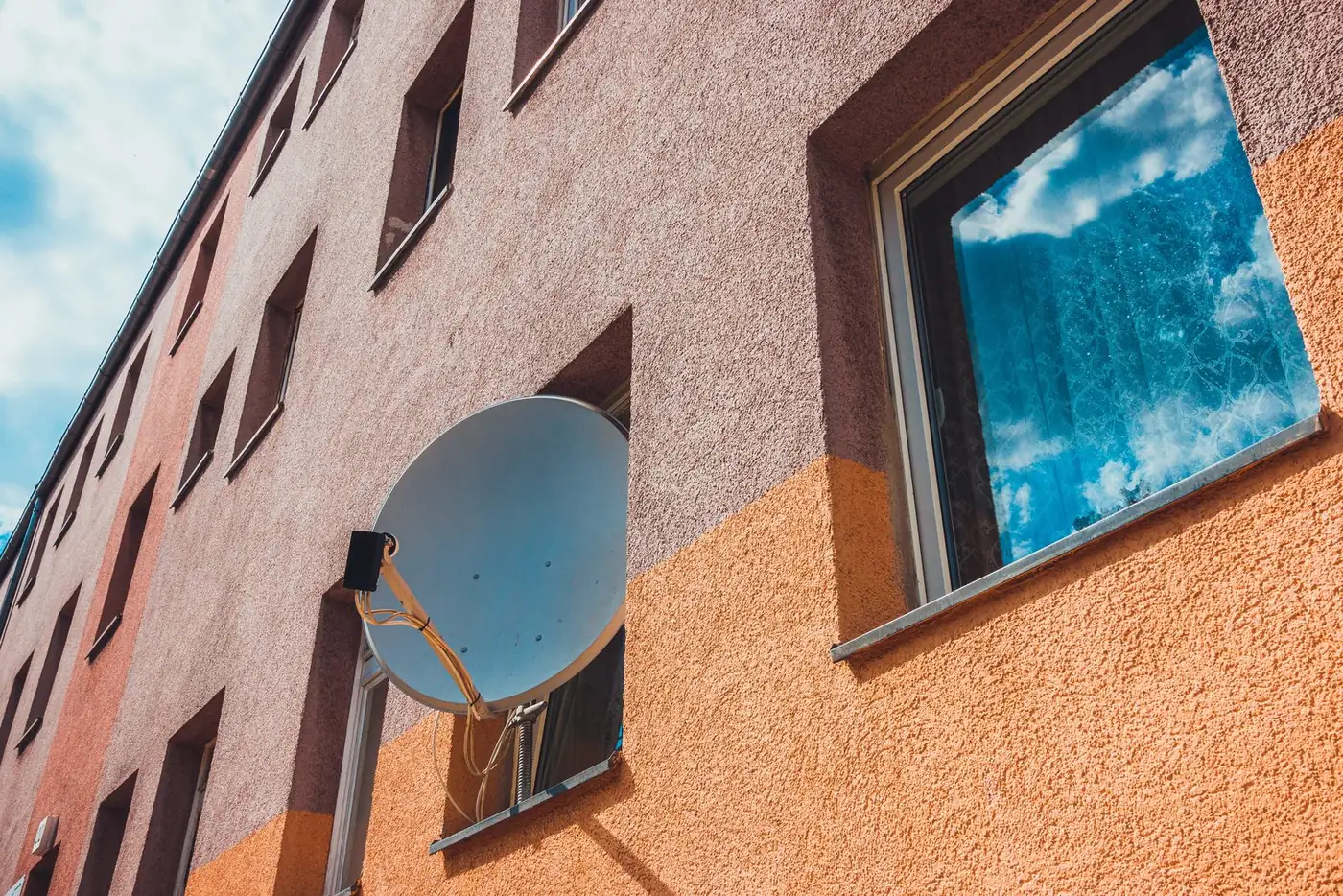
Installing DStv in an apartment or complex is usually straightforward once two questions are answered: are you allowed to put up a dish, and does the building already have a shared satellite system you can connect to? In many blocks and complexes the answer to the second question decides everything. If there is a working shared dish, you may only need a cable run and a wall point in your unit. If there is not, you will need permission for your own dish and a mounting spot with a clear view of the satellite.
This guide covers who to ask, how shared and individual setups differ, where a dish can and cannot go, and why some units simply face the wrong way.
Before you bookWho Needs to Approve a Dish in a Shared Building
In a sectional title scheme the outside walls, roof and common areas are generally common property, so the decision is not yours alone. Most complexes and estates have conduct rules or HOA rules covering where dishes may be mounted, what size they may be and how cables must be routed. These rules differ from one scheme to the next, so read your own scheme's rules rather than relying on what was allowed at a friend's complex.
- Owners in a sectional title scheme. Ask the body corporate, through the trustees or the managing agent, before installing or moving a dish. Get the answer in writing if you can.
- Residents in an estate. The HOA usually has its own architectural or aesthetic rules, sometimes stricter than the body corporate's. Check both if both apply.
- Tenants. You need your landlord's consent first, and the landlord may in turn need the body corporate's approval. A dish fitted without permission can lead to a request to remove it and repair the wall.
- Rental agents. If the unit is managed through an agency, the agent is often the quickest route to both the landlord and the managing agent.
Asking first costs a few emails. Skipping it can mean paying for an installation twice.
Shared Dish and Multiswitch, or Your Own Dish?
Many apartment blocks and larger complexes already have a shared dish on the roof feeding a multiswitch. A multiswitch is a distribution unit that takes the signal from the shared dish and sends a separate feed to each unit, so every decoder can choose its own channels independently. Each flat then has a cable running to a wall point, and residents plug in their own decoders.
| Question | Shared dish with multiswitch | Individual dish per unit |
|---|---|---|
| Who owns and maintains it? | Usually the body corporate or building owner | Usually the unit owner or occupant |
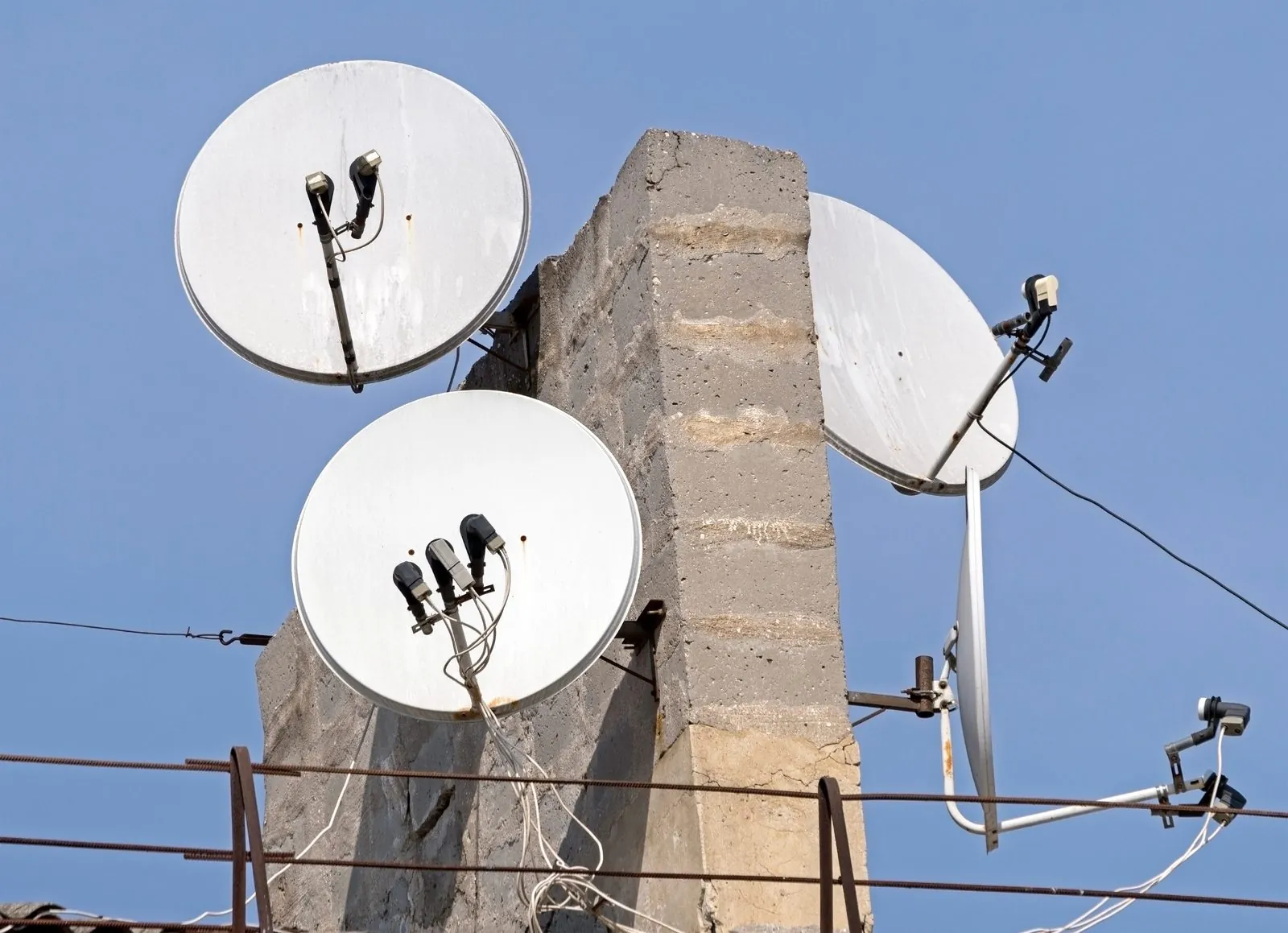
| Visual impact on the building | One or a few dishes on the roof | Many dishes on walls and balconies |
| What a new resident needs | A working cable to the unit and a decoder | Permission, a mounting position and a full installation |
| When a fault affects everyone | Often a shared dish, LNB or multiswitch problem | Faults normally affect one unit only |
| Main limitation | Needs a free, working output for your unit | Depends on your unit having a view of the satellite |
If your building has a shared system, find out whether your unit is already connected and whether the multiswitch has spare capacity for the number of decoder feeds you need. An Explora or an XtraView setup can need more than one feed, which matters in a building where outputs are limited. Our page on DStv for complexes and multi-unit buildings explains how shared systems are assessed and extended.
Why the Smart LNB is usually not the answer for a block
The DStv Smart LNB builds the job of a switch into the LNB itself and is recommended by DStv for Explora installations and most XtraView setups in a single home. DStv's own product information, however, says it is not generally suitable for multiple unit dwellings such as complexes and apartments, or for commercial environments. For buildings with many decoders, a shared dish feeding a multiswitch is the usual approach. If you have your own dish on your own unit, a Smart LNB may still be appropriate for that single household, but that depends on your decoders and how the cabling runs.
Balconies, Walls and Where a Dish Can Physically Go
Where you are allowed to mount a dish and where it will actually receive signal are two different questions, and both have to be satisfied.
- The scheme's rules come first. Some complexes only permit dishes on a balcony, below the railing line, or in a designated roof area. Others ban wall drilling outright.
- The wall has to hold it. A dish catches a lot of wind. It needs a solid bracket fixed into masonry, not into cladding, a gutter or a thin balcony screen.
- Freestanding balcony mounts have limits. They avoid drilling, but they must be weighted or secured properly, and the balcony still needs a clear view in the right direction.
- The cable route matters. Cable may need to pass through a window frame, an existing sleeve or a new hole. Many schemes have rules about visible cabling on the façade.
- Access for the installer. High walls and roofs need safe ladder or roof access. Upper-floor walls without a balcony can be very difficult to reach safely.
When Your Unit Faces the Wrong Way
DStv is received from the Intelsat 20 satellite, and from Gauteng a dish points roughly north-east and upward. Anything between the dish and that patch of sky blocks the signal: the next block of flats, a taller wing of your own building, a large tree, or the floor above if the balcony is deeply recessed.
This is why two identical units in the same complex can have completely different options. A unit with a north or east facing balcony may have a clear view, while the unit across the passage, facing south or west, has a wall of brick where the satellite should be. No amount of adjusting will fix that, because the problem is the view, not the dish.
If your unit faces the wrong way, the realistic choices are usually:
- Connect to a shared dish on the roof, if one exists and has capacity.
- Ask the body corporate for permission to mount a dish on a part of the building that does have a view, with a cable run back to your unit.
- Consider DStv Streama, which uses an internet connection instead of a dish. Whether that suits you depends on your connection and what you want to watch, so check the details with DStv.
Our guide to choosing the right dish position goes into more detail on line of sight and mounting choices.
Not sure whether your unit can see the satellite? An installer can check the line of sight before any holes are drilled. Call 083 489 1322 to discuss it.
What to Ask the Managing Agent or Trustees
Sending these questions before you book an installer will save time on the day and avoid surprises.
- Does the building have a shared satellite dish and multiswitch, and is it currently working?
- Is my unit already cabled to it, and where does the cable end inside the unit?
- Are there spare outputs if I need more than one decoder feed?
- Who is responsible for faults on the shared system, and is there a contractor the building already uses?
- If there is no shared system, where am I allowed to mount a dish, and are there size or colour limits?
- Do I need written approval, and is there a form or process for it?
- What are the rules for access, such as installer registration at the gate, permitted working hours and roof access?
How the Installation Usually Goes
For a unit connecting to a working shared system, the job is often a matter of testing the signal at the wall point, fixing or replacing the cable to the unit if needed, and installing and setting up the decoder. Where the shared system itself has a fault, such as a failed LNB or multiswitch, that is normally a body corporate matter because it affects other residents too.
For a unit getting its own dish, the installer confirms the approved position, checks the view of the satellite, mounts and aligns the dish, runs and terminates the cable neatly, and sets up the decoder. If you are connecting an Explora or adding a second decoder, our page on DStv installation in Gauteng outlines what is involved.
Pricing depends on the setup, the cable distance, access and the equipment needed, so OnspotElec quotes on the actual work rather than a fixed figure.
Apartment and Complex DStv Questions
Schemes can set rules about how and where dishes are mounted on common property, and those rules can be strict. The exact position depends on your scheme's conduct rules, so read them and ask the trustees or managing agent before installing.
If other units are also affected, the fault is likely in the shared dish, LNB or multiswitch, which is normally the body corporate's responsibility. If only your unit is affected, the problem may be the cable to your unit, the wall point or your decoder.
That depends on the scheme. Some buildings require residents to use the shared system to keep the façade tidy. Others allow individual dishes in set positions. Check before you book.
Probably not. According to DStv, the Smart LNB is not generally suitable for complexes and apartment blocks, so buildings serving several units normally use a shared dish with a multiswitch.
Yes, get your landlord's consent before any dish or cabling is installed. The landlord may also need approval from the body corporate. Your lease may set out further conditions.
If you have the go-ahead from your building and want to know what your unit needs, call OnspotElec on 083 489 1322 or request a quote with a few details about the building and its existing setup.