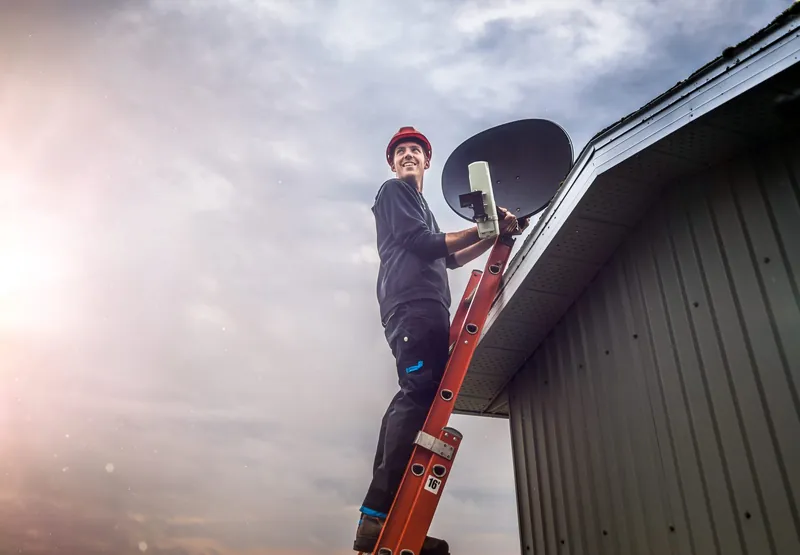
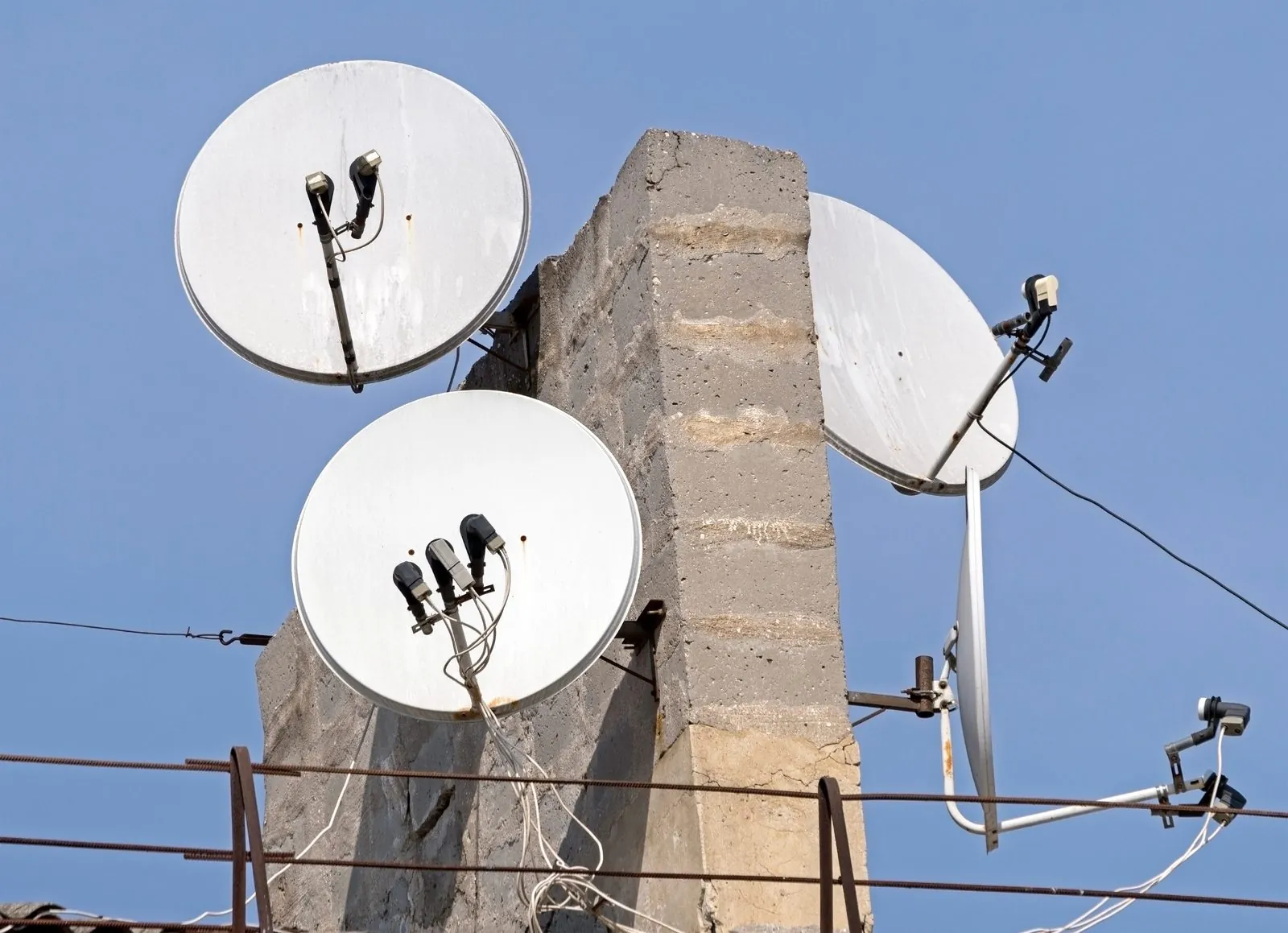
Getting DStv to multiple TV points comes down to one question: does each TV need to watch something different? If yes, each viewing point needs its own decoder, linked through XtraView in a household or fed from a multiswitch in a larger property. If two TVs only ever need to show the same channel, one decoder can be connected to both. Each approach needs different equipment on the dish and different cabling through the property.
This guide compares the options, explains how signal is shared and lost along the way, and covers what to plan before any cable goes into the walls.
The Three OptionsComparing the Ways to Feed Several TVs
| Feature | XtraView | One decoder, two TVs | Multiswitch distribution |
|---|---|---|---|
| What each TV can watch | Different channels on each linked decoder | The same channel on both TVs | Different channels, one decoder per point |
| Number of decoders | Two or three in one household | One | As many as the system is designed for |
| Subscription | One subscription plus an Access Fee per extra decoder | One subscription | Arranged with DStv per unit or per business |
| Typical property | Family homes | A lounge and a patio, or a bedroom TV that mirrors the lounge | Complexes, apartment blocks, guesthouses, larger homes |
| Equipment on the dish | Usually a Smart LNB | Whatever the decoder already uses | An LNB designed to feed a multiswitch |
XtraView: Separate Viewing in Two or Three Rooms
XtraView (often searched as "Extra View") links two or three decoders in the same household under one DStv subscription. Each decoder works independently, so the children can watch cartoons while someone else watches sport. According to DStv, you pay your normal subscription plus an Access Fee for each additional decoder. If one of the decoders is a PVR, such as an Explora, viewing on the second decoder carries no extra monthly fee, because the PVR access fee already applies.
On the installation side, every linked decoder needs its own signal from the dish. DStv recommends the Smart LNB for most XtraView installations, and the cabling has to reach each room. The XtraView link itself and the fees are handled by DStv. Our guide to how XtraView works covers the subscription side in more detail, and our XtraView installation service covers the equipment.
Showing the Same Channel on Two TVs
If you only need a second screen to show whatever the main decoder is playing, you can connect one decoder to two TVs. A common example is a TV in the lounge and another on the patio for watching the same match. There is no second decoder and no extra DStv fee, but there are limits.
- Same channel everywhere. Change the channel in one room and it changes in the other.
- One remote in charge. The second room usually has no way to control the decoder, unless extra equipment is added to pass remote signals.
- Picture quality over distance. Sending a picture a long way to a second TV may need the right cable or a signal extender to stay clear.
DStv's own voucher installation treats connecting a decoder to more than one TV as outside its standard package, which is one reason a quote for this work can differ from a voucher installation.
Multiswitch Distribution for Larger Properties
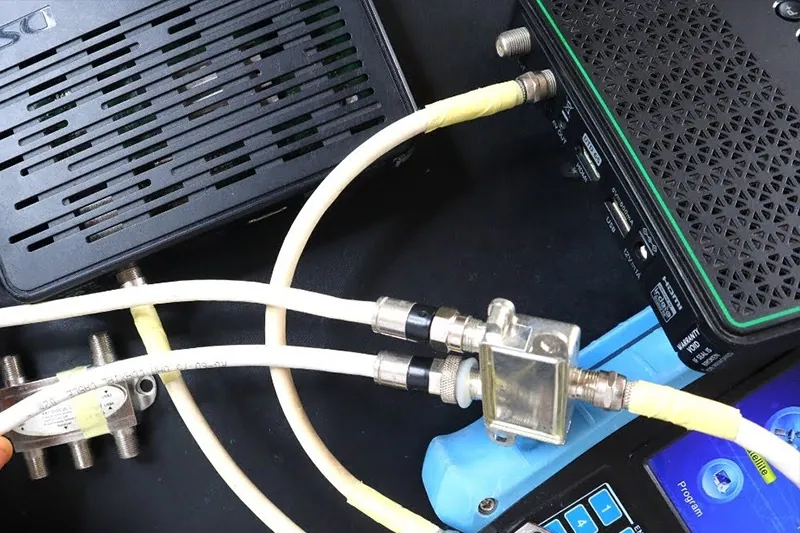
When a property has many viewing points, giving each one its own dish is impractical and often not allowed. Complexes, apartment blocks, guesthouses and large homes usually use a shared dish feeding a multiswitch. The multiswitch takes the signal from the dish and distributes it to each decoder, so every point can watch independently.
DStv says its Smart LNB is not generally suitable for multiple unit dwellings or commercial and retail environments, and these buildings normally use a multiswitch system instead. The multiswitch needs a matching LNB, and depending on the size of the system and the length of the cable runs, amplification may be needed to keep the signal strong enough at the far points.
Sectional title schemes and estates usually have rules about dishes and shared systems, so check with the body corporate, trustees or managing agent first. For more on shared systems, see our service for complexes, estates and multi-unit buildings. Guesthouse owners can also read our article on DStv for guesthouses and small businesses.
Adding TV points to a property, or planning a system for a complex or guesthouse? Call 083 489 1322 and describe the layout. We are open 24 hours, every day.
Signal Loss: Long Cable Runs and Splitters
The satellite signal arriving at the LNB is weak to begin with, and every metre of cable and every device it passes through reduces it a little. In a single-TV house with a short cable, there is plenty to spare. In a large property with long runs and several branches, the losses add up.
Why long runs matter
The longer the cable, the weaker the signal at the far end. A TV point at the back of a big property or on a different floor of a guesthouse may get noticeably less signal than one near the dish. Good quality cable and fewer joins help, and on very long runs amplification may be part of the design.
Why a cheap splitter is not the answer
It is tempting to buy a splitter, screw it in and expect two decoders to work. On a satellite line this often causes trouble. Every split reduces the signal to each output, splitters made for TV aerials are not designed for satellite systems, and some splitters interfere with Smart LNBs. On a traditional LNB, two decoders sharing one feed through a basic splitter also cannot tune to different channels independently. The right answer is the correct LNB or a proper switch or multiswitch.
Why More TV Points Can Mean a Different LNB
The LNB on your dish decides how many independent feeds it can supply. A single-output LNB was designed for one basic decoder. Add a PVR, an XtraView decoder or several rooms, and you can quickly ask more of it than it can give.
- One basic decoder. A single-output LNB is usually enough.
- An Explora, or XtraView in a house. Usually a Smart LNB, which DStv recommends for all Explora installations and most XtraView installations.
- Older multi-decoder setups. May use a twin or quad LNB with separate cables to each decoder.
- Many points, a complex or a business. A shared dish with a multiswitch and an LNB designed to feed it.
Planning the Cable Runs
List every viewing point
Write down each room or unit that needs a TV, and whether it needs its own channels or can share.
Count decoders, now and later
Plan for points you may add in the next few years. Running an extra cable now is far easier than opening walls later.
Map the route from the dish
Decide where cables will run through the roof, walls or conduit, keeping them away from sharp edges, window frames and power lines.
Choose where the switch or multiswitch lives
It needs a dry, reachable spot with a sensible route to each point.
Get the whole system quoted
A quote that covers the dish, LNB, cabling and switching together avoids piecemeal additions that cause signal problems later.
Multi-Room DStv Questions
Yes, but both TVs will show the same channel. If you want to watch different channels, you need a second decoder, usually linked through XtraView.
Up to three: a main decoder plus one or two more, all in the same household and on one DStv subscription.
Often not reliably. Splitters reduce signal, many are not designed for satellite systems and some interfere with a Smart LNB. The correct LNB or switch is the dependable route.
Yes. On a multiswitch system, each unit has its own decoder and arranges its own subscription with DStv, while sharing the dish.
More points mean more cable, possibly a different LNB, switching equipment and sometimes amplification. We quote for the work and equipment the property actually needs.
A well-planned distribution system means every TV gets a strong, stable signal, not just the one closest to the dish. OnspotElec is an authorised DStv installer serving homes, complexes and guesthouses across Gauteng, including Midrand. To plan your setup, call 083 489 1322 or send us the details for a quote.