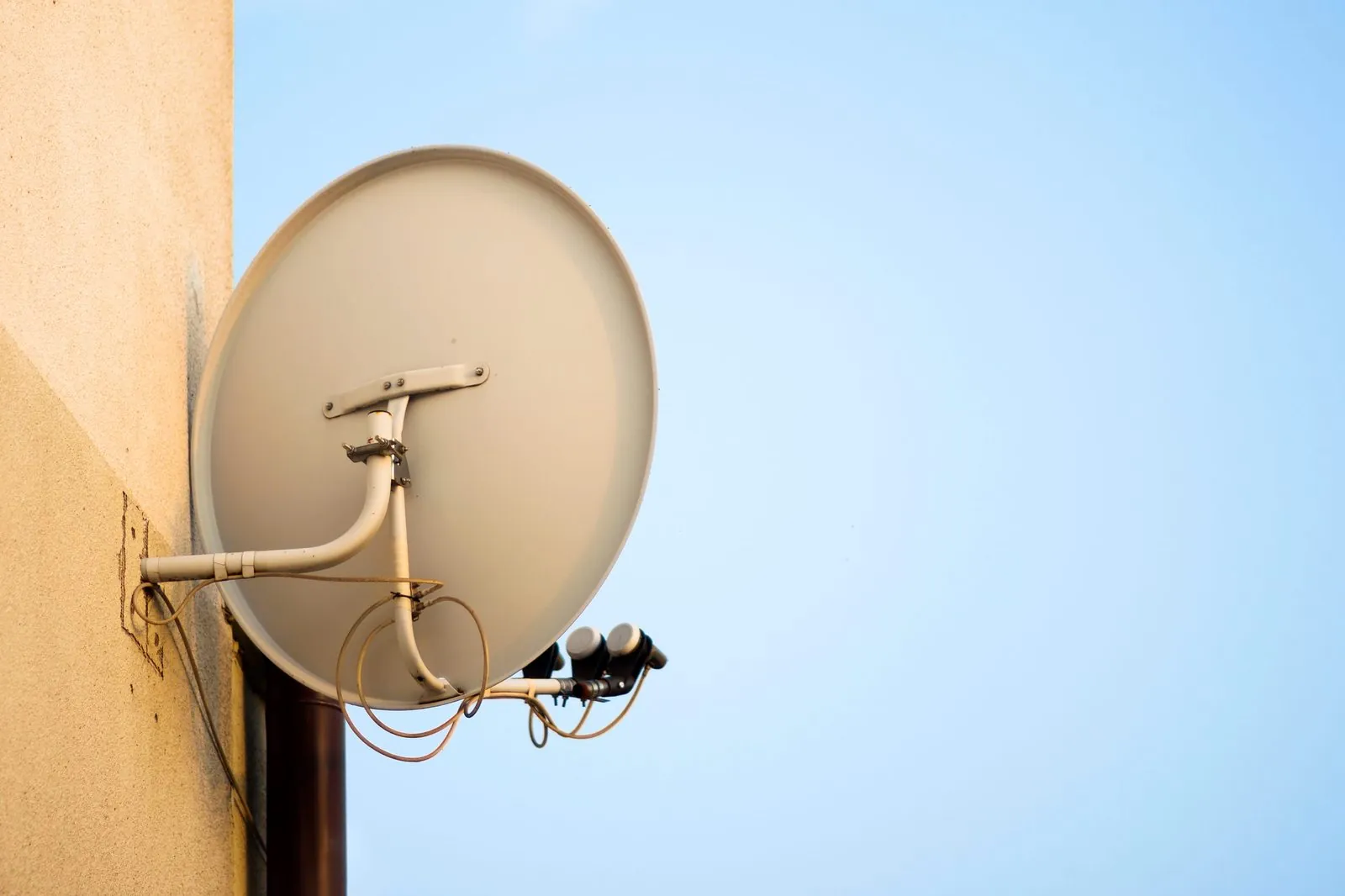
For a landlord, the most useful approach to DStv installation is to treat the dish and cabling as part of the property and leave the decoder and subscription to the tenant. A rental that already has a properly aligned dish, sound cabling and a working wall point in the lounge is easier to let, and it stops each new tenant from drilling fresh holes and running their own cables across the walls. The rest comes down to clear lease wording, sensible access arrangements and good records.
Who Owns What in a Rented Property
Disputes at the end of a lease often start with "is that yours or mine?" Settling it in writing up front avoids that. As a practical starting point:
| Item | Usually belongs with | Why |
|---|---|---|
| Satellite dish and bracket | The property (landlord) | Fixed to the building and left in place between tenants |
| LNB, switch or multiswitch | The property (landlord) | Part of the fixed reception and distribution system |
| Coaxial cabling and wall points | The property (landlord) | Run through walls, roof space or conduit |
| Decoder, remote and smartcard | The tenant | Bought or supplied to the tenant and moved with them |
| DStv subscription and account | The tenant | A personal contract between the tenant and DStv |
That is a common arrangement, not a rule. If a tenant pays for their own dish, or a previous tenant left equipment behind, ownership can be less clear. Whatever you decide, write it into the lease so nobody has to rely on memory.
OnspotElec can install, align and repair dishes, cabling and decoders. Subscription, billing and account questions belong with DStv, so tenants should use DStv's self-service channels for those.
Lease Terms Worth Including
You do not need pages of legal wording, but a few clear clauses help. Have your lease reviewed by whoever normally drafts it, and if the property is in a sectional title scheme, make sure the clauses fit the scheme's conduct rules.
- What is provided. List the dish, cabling and wall points that come with the property and state that they stay when the tenant leaves.
- No unapproved installations. Require written consent before a tenant adds a dish, moves the existing one or runs new cables.
- Reporting faults. Say how tenants should report a reception problem and who arranges the repair.
- Damage and misuse. Make clear who pays when a fault is caused by the tenant, such as a cable pulled out of a wall point or a dish knocked during their own work.
- Moving out. Ask tenants to leave the wall points and cabling in place and to take only their own decoder and accessories.
Wire the Property Properly, Once
The cheapest installation over the life of a rental is usually the one done properly at the start. Patchwork cabling put in by successive tenants tends to produce weak signal, loose connectors and a mess on the outside walls.
Decide where viewing will happen
Most tenants want a point in the main living area. Many also want one in the main bedroom. Agree the positions before cabling starts so the points end up where furniture will actually go.
Choose a dish position with a lasting view
The dish needs a clear line of sight roughly north-east towards the satellite. Avoid spots likely to be blocked by tree growth or a neighbour's planned extension.
Run good cable through a protected route
Use proper satellite coaxial cable with compression or crimp F-connectors, routed through conduit or roof space where possible. Avoid cheap twist-on connectors and cables pinned tightly along exterior walls.
Plan for more than one decoder
If a tenant may run an Explora or XtraView, the cabling to the main point needs to support that. Adding capacity later usually costs more than allowing for it now.
Test and label every point
Each wall point should be signal tested and labelled at the switch or multiswitch end, so a future fault can be traced quickly.
Our cabling and connector repair service is useful when an older rental needs its existing wiring tidied up rather than replaced from scratch.
Distribution for Flats, Cottages and Multi-Unit Rentals
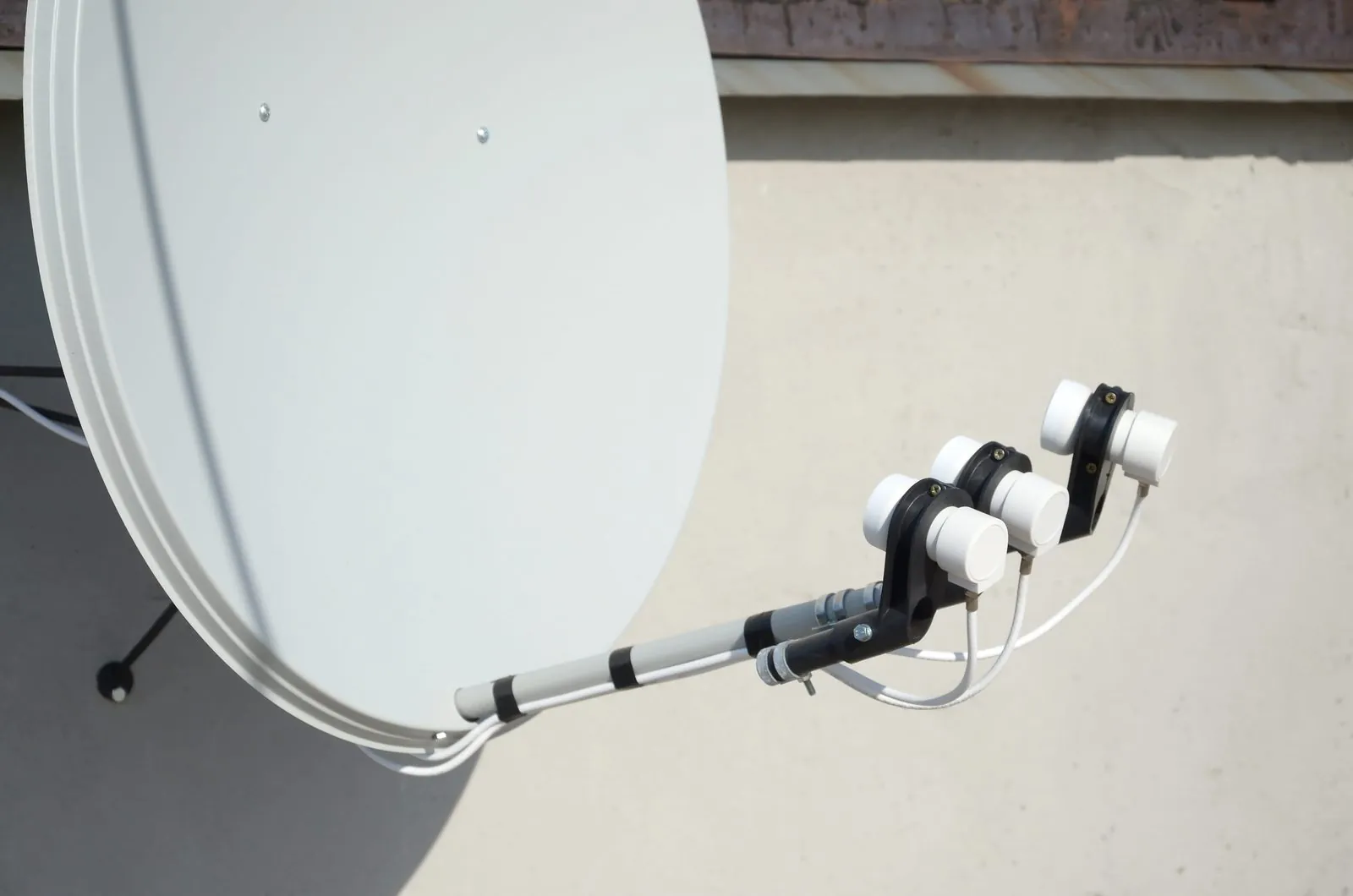
If you own several units on one property, such as a house with a garden cottage, a block of flats or a row of townhouses, one dish per unit is rarely the best approach. A shared dish feeding a multiswitch can give each unit its own independent feed, keeps the roofline tidy and puts one system under one person's control.
A few points to keep in mind:
- Size the multiswitch for the future. Allow for the number of units plus any that may need a second feed for an Explora or XtraView.
- The Smart LNB is not designed for this. DStv notes that its Smart LNB is not generally suitable for multiple unit dwellings, so multi-unit rentals normally use a multiswitch system instead.
- Keep the shared equipment secure. The multiswitch and its power supply should be somewhere dry and protected, not in a tenant's cupboard where it may be unplugged.
- A shared fault affects everyone. If every unit loses signal at once, look at the shared dish, LNB or multiswitch before blaming individual decoders.
For larger buildings, our page on multi-unit and landlord DStv installations explains how shared systems are planned.
Arranging Access for Repairs
A reception fault in an occupied unit needs someone to let the technician in, and sometimes access to the roof or a shared equipment cupboard as well. Agree the process early so a simple repair does not stall.
- Tell tenants who to contact first when the signal goes, and what to check themselves, such as whether the cable is firmly connected to the decoder and whether the problem clears after a heavy storm passes.
- Give reasonable notice before a visit, in line with your lease.
- Make sure the technician can reach the dish and any shared equipment, including keys, gate access and permission from the body corporate where needed.
- Confirm who is paying before the visit, especially if the fault might be tenant damage.
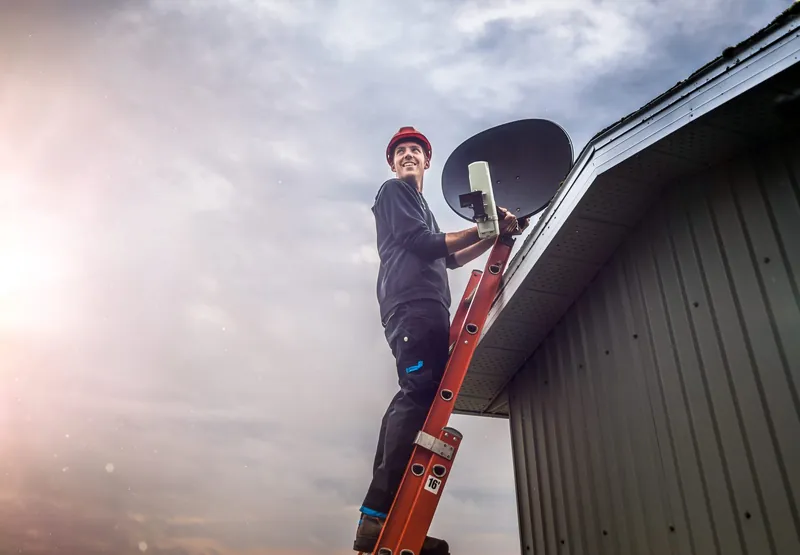
Ask tenants not to climb onto the roof or adjust the dish themselves. Roof and ladder work is dangerous and belongs with an installer. If a fault happens out of hours, OnspotElec is open 24 hours and emergency assistance is available; call 083 489 1322 to check availability.
Keep a Simple Record for Each Property
A one-page record for each property makes repairs faster and helps when you sell or change managing agents.
- Equipment list. Dish, LNB type, switch or multiswitch, and where each is located.
- Cable map. Which cable goes to which room or unit, and how they are labelled.
- Installation and repair history. Dates, what was done and who did it, with invoices attached.
- Photographs. The dish position, the equipment cupboard and each wall point at the start of a lease.
- Approvals. Any written consent from the body corporate or HOA for the dish position.
Landlord Questions About DStv
Normally the tenant's. The subscription is an account with DStv, and keeping it in the tenant's name avoids you carrying their viewing costs or account issues.
If it needs new cabling, a different LNB or changes to the dish, yes, because those are part of the property. A tenant simply swapping a decoder on an existing point usually does not affect you.
Often, if it is still aligned and the cabling is sound. Have it checked first, because a dish that has been knocked or a cable that has perished can cause no-signal problems from day one.
That is a lease question. Many landlords cover faults with the fixed system and expect tenants to cover damage they cause and anything to do with their own decoder.
Whether you are preparing a single house for a new tenant or wiring a block of units, OnspotElec quotes on the actual equipment and labour your property needs. Call 083 489 1322 or get in touch to talk it through.