Good DStv maintenance is mostly about prevention: keep the dish's view of the sky clear, keep connectors dry and tight, give the decoder room to breathe and take sensible precautions during lightning. You can do most of it from the ground and indoors in a few minutes. The best time is late winter and early spring, before Gauteng's summer thunderstorms arrive, because storm season is when a marginal setup tends to fail.
Below is a seasonal calendar, the checks worth doing yourself, and the signs that it is time to call an installer.
A Season-by-Season Maintenance Calendar
Gauteng's summer storm season runs roughly from October to March. Heavy rain weakens satellite signal (known as rain fade), so a dish that is slightly out of alignment or a connector with a bit of water in it will show up then. Planning around the seasons makes the most of the dry months.
| When | What to do | Why |
|---|---|---|
| Late winter to early spring | Do a full ground-level check, trim trees and book any repairs or realignment | Dry weather makes outdoor work easier, and faults get fixed before the storms |
| Start of storm season | Check that connectors and outdoor cables look sound, and make an unplugging habit for lightning | Water and lightning are the main summer risks |
| After any big storm | Look at the dish from the ground for movement or hail damage | Strong wind and hail can knock a dish out of line |
| Late summer | Check trees again, since they grow fastest in the rainy months | New growth can creep into the line of sight |
| Any time | Dust around the decoder and keep its vents clear | Heat and dust are hard on electronics |
Visual Checks You Can Do Without a Ladder
Stand in the garden, driveway or on the pavement where you can see the dish clearly. Binoculars or your phone's zoom help.
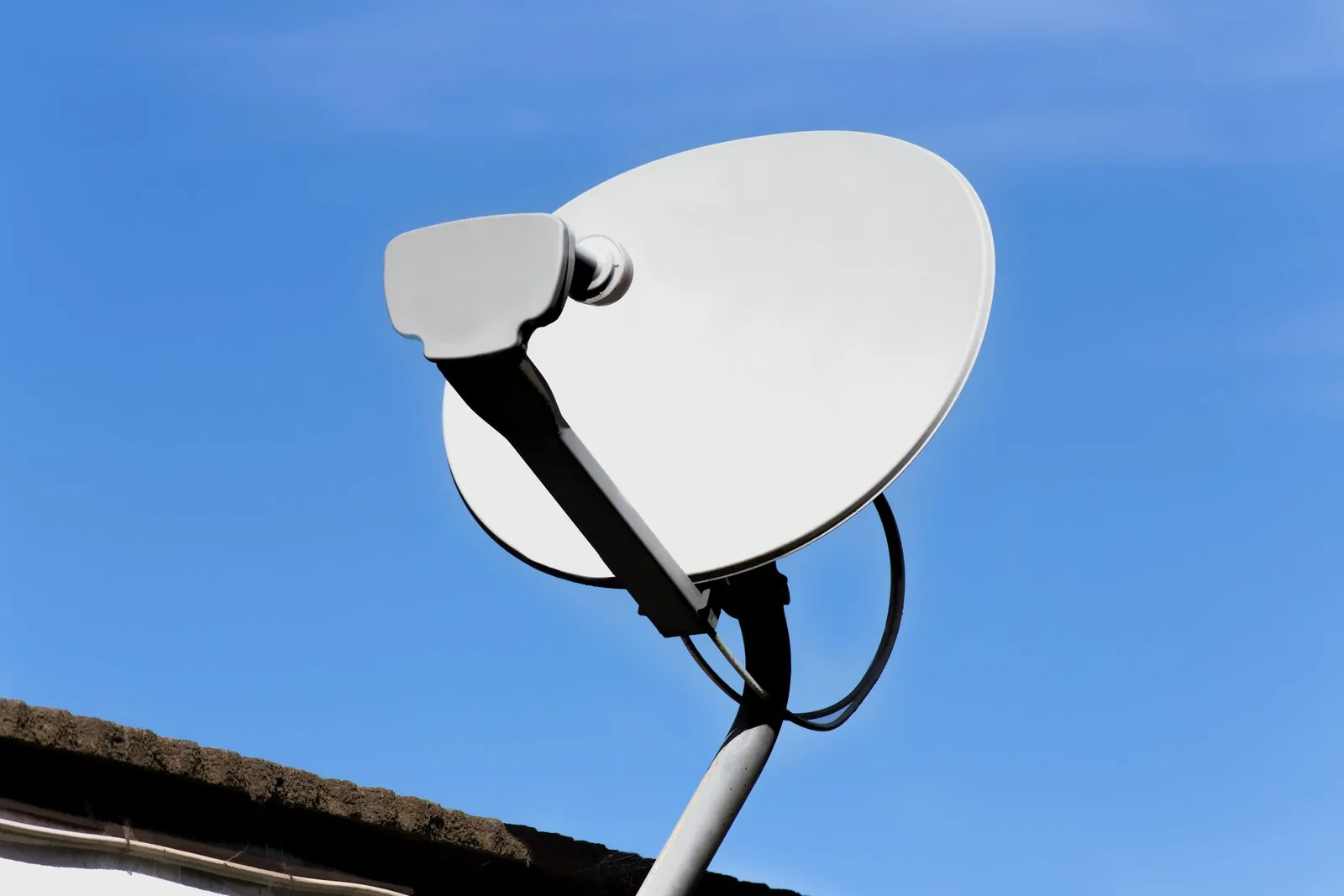
- Is the dish in the same position? Compare it with an old photo if you have one. A dish that has tilted or turned, even slightly, can lose signal.
- Any dents, cracks or rust? Look at the dish face, the arm that holds the LNB and the bracket on the wall or roof.
- Is the LNB sitting straight? It should sit firmly in its holder at the end of the arm, with its weather cap in place.
- Is the cable secure? Look for cable flapping in the wind, hanging loose from clips or sagging in the gutter.
- Is the sheath intact? A grey, cracked or split outer covering lets water in.
Take a photo of the dish while everything is working. It gives you, and any installer, a reference point if something changes later.
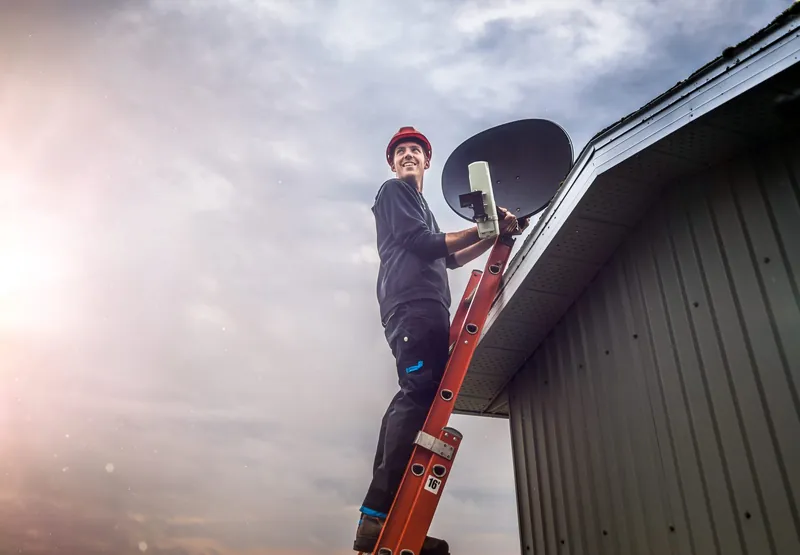
Never climb onto the roof or up a ladder to check or adjust the dish. Falls from height are a real danger, and a ladder resting against the dish can knock it out of alignment. Leave anything above ground level to an installer.
Keeping the Line of Sight Clear
From Gauteng, a DStv dish points roughly north-east and angles upwards towards the Intelsat 20 satellite. Anything that grows or is built in that direction can block the signal, even if there is only a small gap between the dish and the obstruction. Leaves count, especially when they are wet.
- Trim before it becomes a problem. If a branch is getting close to the path between the dish and the sky, trim it back during the dry months, before the summer growth spurt.
- Use a professional for big trees. Large branches, trees near power lines or trees that need climbing are work for a qualified tree feller, not a DIY job.
- Think about new building. A neighbour's double storey or your own extension can block the dish. If that is coming, plan the dish position early.
If trimming is not possible, the answer may be moving the dish. Our article on what to consider before moving a dish walks through that decision.
Keeping Connectors and Cables Dry
Water is one of the most common causes of slowly worsening signal. It gets into connectors and cable through damaged sheathing, poorly fitted connectors or joins, and gradually corrodes the metal inside.
- Check the indoor connectors at the decoder and wall plate. They should be screwed on firmly and look clean, with no green or white crust.
- Look at any outdoor cable you can see from the ground for cracks, cuts or tape-wrapped joins.
- Make sure gutters near the cable are not overflowing onto it or onto the connectors on the dish.
- Note anything that looks wrong and ask an installer to replace it. Outdoor connectors should be sealed against water, and that is installer work.
Our guide to identifying damaged DStv cables and connectors shows what to look for in more detail.

Looking After the Decoder
Decoders produce heat while they work, and a hot, dusty cabinet is hard on any electronics.
- Give it space. Do not stack the decoder on top of other equipment or close it into a cabinet with no airflow.
- Keep vents clear. Wipe dust off the outside with a dry cloth. Do not open the decoder, the power supply or the LNB; there is nothing inside for you to service.
- Keep it dry. Keep drinks, vases and pot plants away from the decoder and its power supply.
- Check the cables behind it. Make sure nothing is pulling on the satellite cable or the power lead, and that the connectors have not been knocked loose during cleaning.
Lightning and Power Surges
Gauteng's summer storms bring frequent lightning. Unplugging the decoder and TV at the wall during a lightning storm is a reasonable precaution that many households take. Plug them back in once the storm has passed.
Questions about surge protection devices or your home's electrical system should go to a qualified electrician. OnspotElec works on the DStv side of your setup only and does not do electrical work. If your decoder will not power on after a storm, or the signal does not come back once it has passed, that is the time to get the installation checked.
For no-signal faults after storm season, you can call 083 489 1322 at any hour; emergency DStv assistance is available.
Software Updates and Restarts
Decoders receive software updates from DStv from time to time. If DStv's help channels ask you to run an update or leave the decoder on standby so an update can install, follow their instructions.
A simple restart clears many minor glitches, such as a frozen screen or a menu that will not respond:
- Switch the decoder off at the wall plug.
- Wait about a minute.
- Switch it back on and give it a few minutes to start fully before changing channels.
A factory reset is a different thing. It clears your settings and is not a cure for a no-signal message, so only do it when DStv's help channels direct you to. Subscription, payment and account problems are handled by DStv through DStv's self-service channels, not by an installer.
When to Book a Professional Check
- Signal drops in light rain. Short outages in very heavy rain are normal; dropouts in a passing shower suggest weak alignment or water damage.
- No signal in clear weather. Especially if a restart and a check of the decoder connection make no difference.
- The dish has visibly moved or been damaged. After wind, hail or roof work.
- Corrosion or damaged cable. Anything you spotted during your checks.
- You are upgrading or adding TVs. A good time to have the whole setup checked at once.
A check usually covers dish alignment and signal testing, the LNB, cabling and connectors.
Maintenance Questions
There is no fixed rule. A quick ground-level look before storm season and after any big storm is sensible, with a professional check if you notice signal problems or damage.
Light dust has little effect, and cleaning means climbing up to it, which we don't recommend. If a dish is heavily soiled or covered in debris, ask an installer to look at it.
Yes. Satellite signal weakens in very heavy rain, and it normally returns once the worst has passed. If it does not come back, something else is likely wrong.
A few minutes of checking each spring can save you a silent TV in the middle of summer. If you would like a professional to look over your setup, OnspotElec is an authorised DStv installer working across Gauteng, including Boksburg and the East Rand. Call 083 489 1322 or request a quote.