You should replace a DStv dish when the dish itself is physically damaged: bent, dented, rusted through or on a mount that can no longer hold it steady. You should replace the LNB when it has failed or when it no longer suits your decoder, for example after an upgrade to an Explora or adding XtraView. Many other problems that look like a dead dish turn out to be alignment, a corroded connector or a damaged cable, which are cheaper to fix.
The trick is working out which part is at fault before anything gets bought. Below we cover the warning signs for each part, a quick repair-or-replace table, the LNB types in plain English and what changes when you upgrade your decoder.
The Dish and the LNB Do Different Jobs
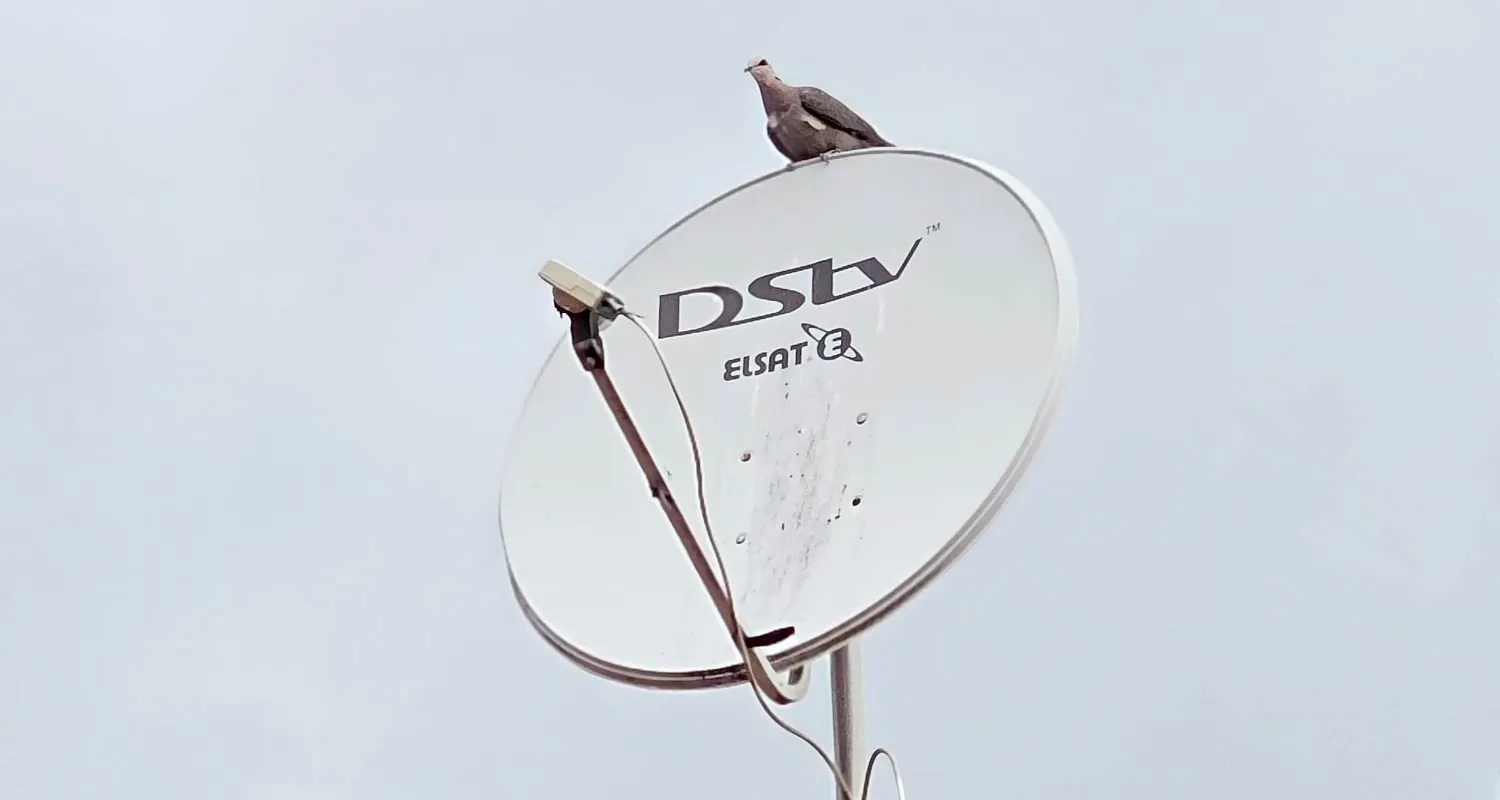
The dish is the curved reflector. Its only job is to catch the weak signal from the Intelsat 20 satellite and focus it onto one point. The LNB (short for low-noise block downconverter) sits on the arm in front of the dish at that point. It collects the focused signal, converts it and sends it down the coaxial cable to your decoder.
This matters because the two parts fail in different ways. A dish has no electronics, so it rarely "dies"; it gets damaged or knocked out of position. An LNB is an electronic component living outdoors in Gauteng sun, hail and summer storms, so it can fail with no visible sign at all.
Signs the LNB May Be Failing
None of these signs proves the LNB is the culprit on its own, because a damaged cable or loose connector can produce the same symptoms. Taken together, though, they point in its direction.
- No signal in clear weather. Every decoder in the house shows E48-32 on a dry, cloudless day, and restarting the decoder at the wall makes no difference.
- Dropouts that come and go. The picture breaks up or freezes at random, sometimes worse in the heat of the afternoon or after rain, then recovers.
- One room works and another does not. On an LNB with several outputs, one output can fail while the others carry on.
- Visible damage on the unit. From the ground you may see a cracked or missing weather cap, or an LNB hanging at an odd angle in its holder.
- It is the original LNB on an old installation. Age alone is not a reason to replace one, but an old LNB is a likely suspect once the cable and connectors check out.
If you want to work through the simpler causes first, our article on common reasons for no-signal problems lists the checks you can safely do yourself.
Signs the Dish Itself Needs Replacing
Dish problems are usually visible from the ground. Stand somewhere safe in the garden or on the pavement and look for the following.
- Dents or a bent rim. Hail, a falling branch or a ladder resting against the dish can distort the reflector. Even a shallow dent can spoil the focus.
- Rust coming through. Surface marks are cosmetic, but rust eating through the dish, the arm or the bracket weakens it.
- A bent or cracked LNB arm. If the arm is bent, the LNB no longer sits where the dish focuses the signal.
- A loose or failing mount. A dish that moves in the wind, or a bracket pulling away from the wall or fascia, cannot hold alignment for long.
- Repeated realignments. If the dish keeps drifting after being aligned, worn bolts or a tired bracket are often the reason.
A dish that has simply been nudged out of position, by wind or by someone working on the roof, does not need replacing. It needs realigning, which we cover in detail on our dish alignment service page.
Repair or Replace: A Decision Table
| What is wrong | Usual fix | Is a new dish needed? |
|---|---|---|
| Dish knocked out of position | Realignment and signal test | No |
| Corroded or loose connector at the LNB | New F-connector, weatherproofed | No |
| LNB failed or one output dead | Replace the LNB | No, if the dish is sound |
| Upgrading to Explora or adding XtraView | Usually a different LNB, sometimes new cabling | Not usually |
| Bracket rusted or pulling loose | New bracket or mount, then realign | Only if the dish is also damaged |
| Dish dented, bent or rusted through | Replace the dish, then align | Yes |
| Line of sight now blocked by a building | Relocate the dish to a clear spot | Not usually |
The last row catches people out. A dish that worked for years and then gradually lost signal may be perfectly healthy; something may simply have grown or been built in its view of the north-eastern sky.
LNB Types in Plain English
When an installer talks about changing your LNB, they usually mean changing to a type with the right number or kind of outputs. An output is simply a connection point for a cable.
Single, twin and quad LNBs
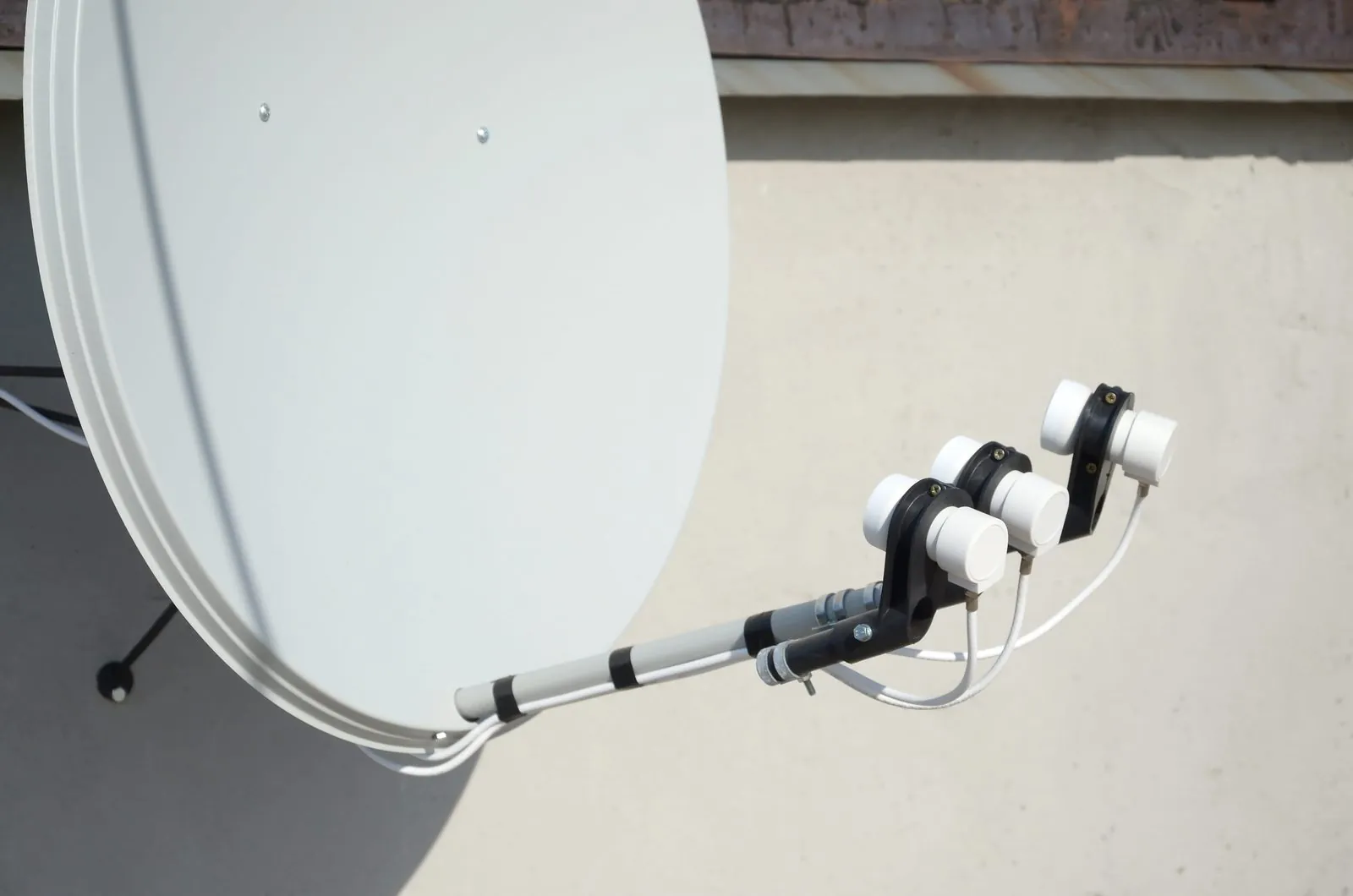
These are the traditional types. A single LNB has one output and suits one basic decoder. A twin LNB has two outputs and a quad has four, so each cable to a decoder, or to a decoder's second input, gets its own output. Older Explora and XtraView setups often use these, with separate cable runs to each decoder.
The DStv Smart LNB
DStv's Smart LNB builds the job of a DStv switch into the LNB itself and uses UniCable outputs, which lets one cable carry what used to need several. DStv recommends it for all Explora installations and most XtraView installations, so in a typical house it is the LNB you will hear about most.
Where the Smart LNB does not fit
DStv says the Smart LNB is not generally suitable for multiple unit dwellings such as complexes and apartment blocks, or for commercial and retail environments. Those buildings usually share one dish and feed each unit through a multiswitch, which needs its own kind of LNB. If you live in a complex, speak to your body corporate before changing anything on a shared system, and see our complex and estate installation service.
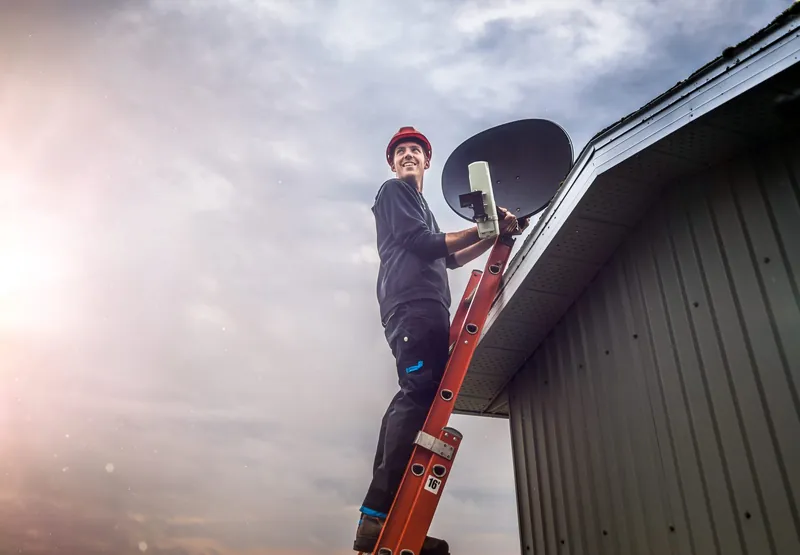
Never climb onto the roof or lean a ladder against the dish to look at the LNB. Apart from the fall risk, a ladder resting on the dish is one of the easiest ways to knock it out of alignment. If something looks wrong, call 083 489 1322 and let us check it.
Upgrading Your Decoder? Check the LNB First
A basic HD Single View decoder only ever needs one feed, so a single LNB is enough. A PVR like the Explora or Explora Ultra records while you watch something else, which means it needs more from the dish than one basic feed can give. XtraView adds another decoder in a second room, and that decoder needs its own signal too.
So the most common reason to replace an LNB that is not broken is an upgrade. Signs that your current LNB is not up to the new setup include recordings that clash with live viewing, a second decoder that shows no signal while the first works, and an installer having to add a switch or splitter to make it work at all.
Before you buy anything, it helps to know what is on your dish now. You do not need to climb up to find out; a photo from the ground with your phone's zoom is often enough for us to identify it. For the decoder side of an upgrade, our guide to Explora installation and setup goes into more detail.
What Happens When We Replace an LNB or Dish
Find the actual fault
We test signal at the decoder and at the dish, and check connectors and cable before blaming the LNB or dish.
Match the part to your decoders
The replacement LNB is chosen for the decoders you have now, and any you are planning to add.
Fit and weatherproof
The new LNB or dish is fitted, connectors are made up properly and outdoor joints are sealed against water.
Align and test every point
The dish is aligned for the best signal quality, then each TV point is checked, including recording on a PVR.
Dish and LNB Replacement Questions
We don't recommend it. The LNB is on the roof or a high wall, it has to sit at the correct angle in its holder, and the dish usually needs fine alignment afterwards. Working at height is the riskiest part of any DIY attempt, and it is not worth a fall.
No. Hail can knock a dish out of alignment without denting it, and that only needs realigning. A dish that is visibly dented or bent should be replaced, because it can no longer focus the signal properly.
Only if the old LNB was faulty. Some loss of signal in very heavy rain is normal for satellite TV. Frequent dropouts in moderate rain usually point to marginal alignment or water in a connector, so those are checked first.
Not necessarily. Many complexes run a shared dish and multiswitch, and DStv says the Smart LNB is not generally suitable for multi-unit buildings. Check with your body corporate or managing agent how your complex is wired.
It depends on which part is needed, the decoders it has to feed and how much cable work is involved. We quote for the actual work and equipment once we know the setup.
If your signal has been unreliable and you suspect the dish or LNB, start with the simple checks, then get it tested properly before buying parts. You can request a quote online, or call OnspotElec, an authorised DStv installer serving Gauteng, on 083 489 1322. We are open 24 hours, every day.