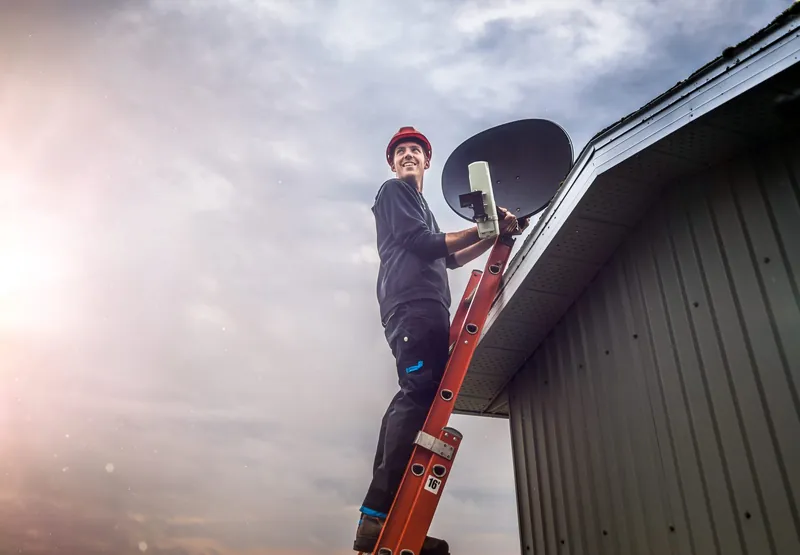
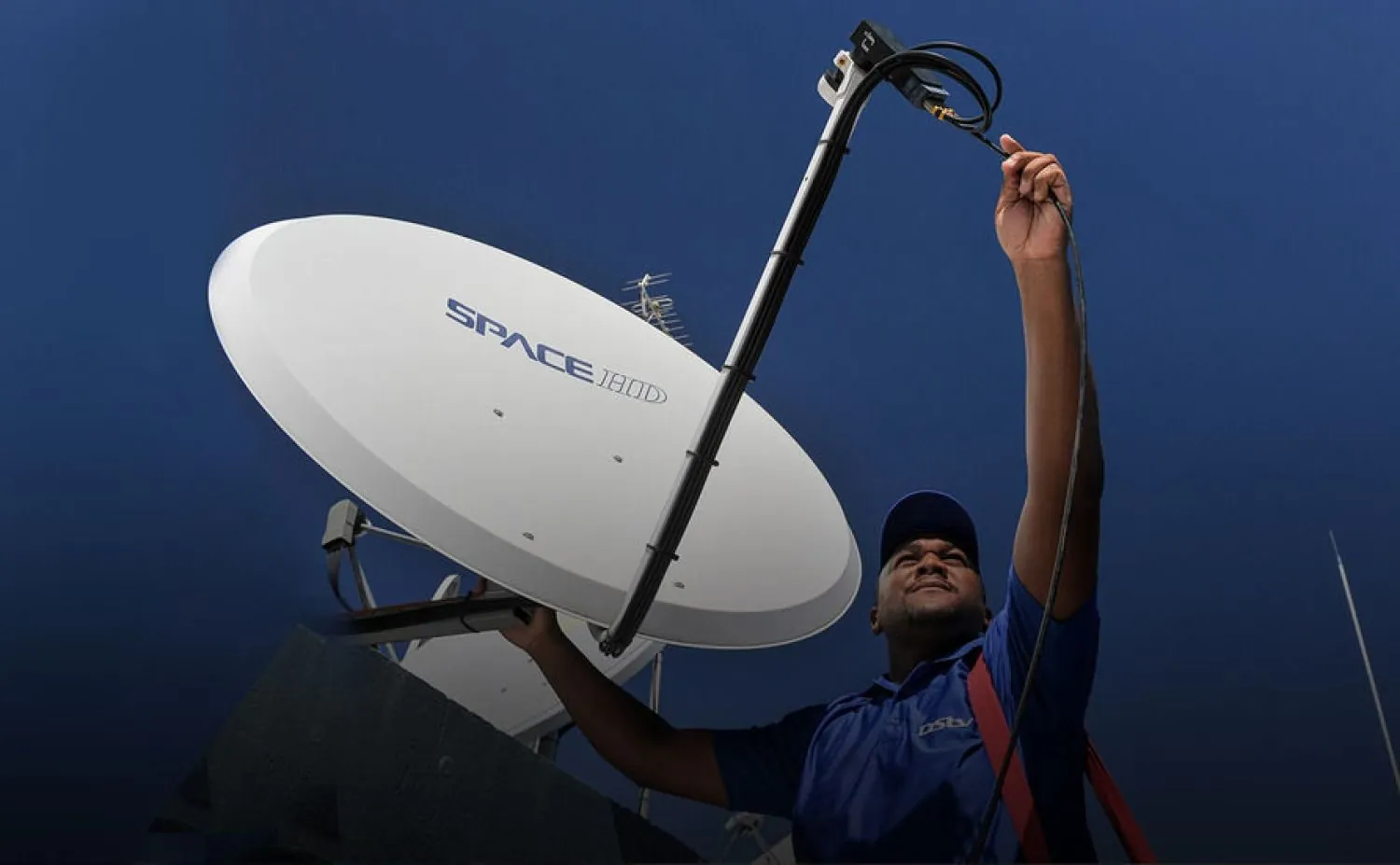
A DStv installation in South Africa comes down to three things: a satellite dish mounted where it can see the right part of the sky, an LNB and cabling that carry the signal cleanly into the house, and a decoder that is set up and tested on your TV. Get those right and the system should run for years with little attention. Get one of them wrong and you tend to find out during the first big summer storm.
This guide explains each part in plain terms, so you know what you are paying for, which decisions are yours, and what to check before anyone climbs onto your roof.
How the Signal Gets From Space to Your Lounge
DStv in South Africa is broadcast from the Intelsat 20 satellite, usually written IS-20, which sits at 68.5 degrees East. From Gauteng that means your dish points roughly north-east and is tilted upward. It does not need to be on the highest point of the house, but it does need a clear, unobstructed view of that patch of sky.
Anything that sits between the dish and the satellite blocks the signal. The usual culprits are:
- Trees. A young tree that is fine today can grow into the signal path within a few seasons.
- New buildings. A neighbour's second storey or a new block of flats can cut off a dish that worked for years.
- Your own additions. A carport roof, a raised boundary wall or a solar mounting frame in the wrong spot can do the same.
This is why a good installer spends time choosing the mounting position before drilling anything. If you are curious about the trade-offs between walls, roofs, fascia boards and poles, our article on choosing where a satellite dish should go covers it in more depth.
The Parts of a Home DStv System
Most homeowners only see the dish and the decoder, but there is more in between. Knowing the names helps when you read a quote.
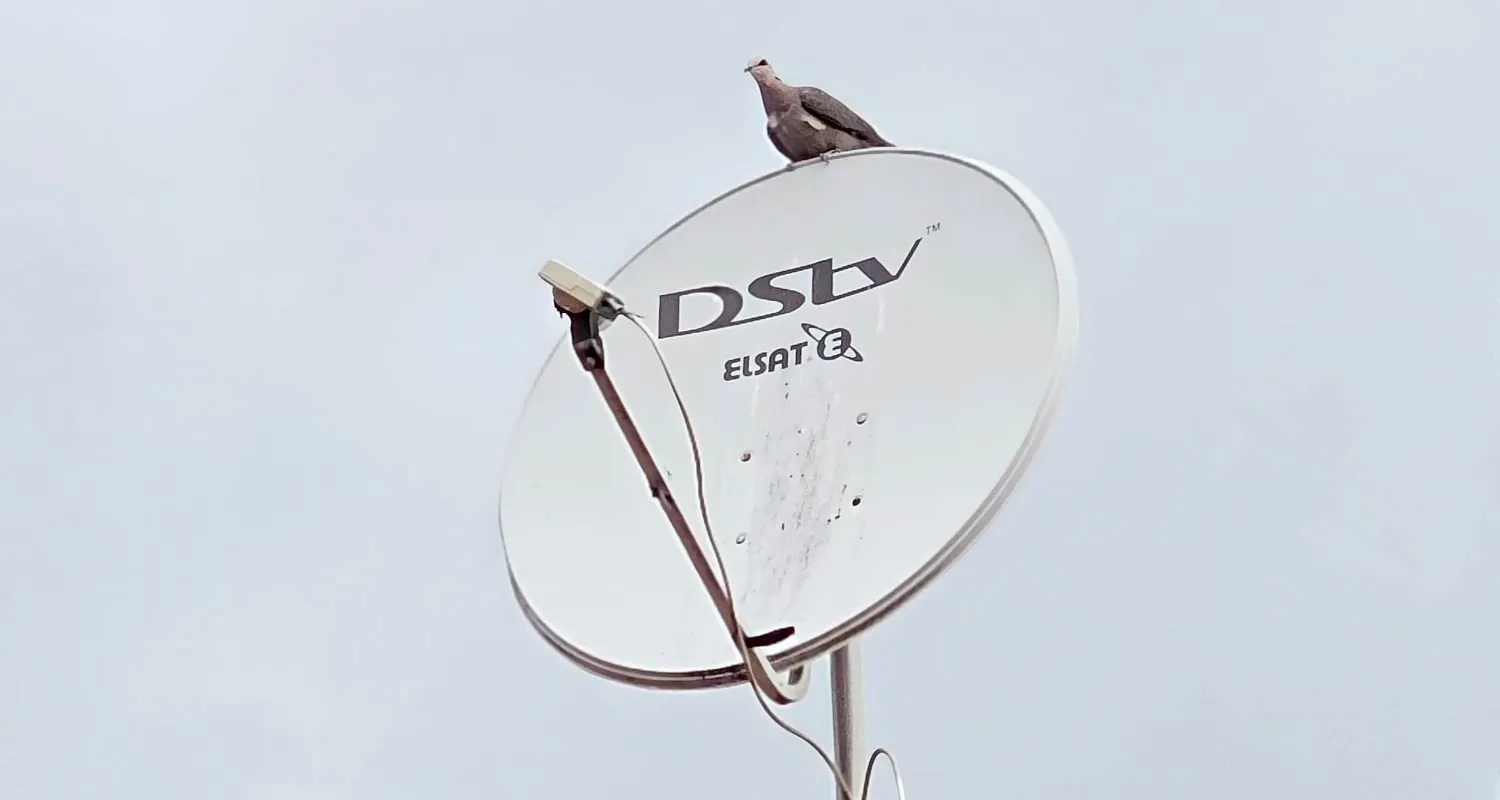
The dish
The dish reflects the satellite signal onto a single focal point. It has to be firmly fixed, because even a small shift caused by wind, hail or someone leaning a ladder against it can weaken or kill the signal.
The LNB
The LNB (low-noise block downconverter) is the unit at the end of the dish arm. It collects the signal from the dish, converts it, and sends it down the coaxial cable. An older or failing LNB is a common reason for weak or patchy reception.
DStv also makes a Smart LNB. According to DStv's own product information, it builds the features of a DStv switch into the LNB and uses UniCable outputs. DStv recommends it for all Explora installations and most XtraView installations, but says it is not generally suitable for complexes, apartment blocks or commercial premises, which usually run a shared dish with a multiswitch instead.
The cabling
Satellite TV uses coaxial cable, most commonly RG6, joined with F-connectors. Cable quality, how it is routed, and how well the outdoor connections are sealed against water matter more than most people expect.
The decoder
The decoder sits by the TV, receives the signal and turns it into channels. Which one you choose affects the LNB and cabling the installer needs to fit.
Which Decoder Suits Your Household?
The decoder decision shapes the rest of the installation, so it is worth settling before you ask for a quote. Here is how the current range differs in broad terms.
| Decoder | What it does | Dish needed? |
|---|---|---|
| DStv Explora Ultra | Current flagship PVR. 4K-capable, records several channels at once, built-in Wi-Fi and streaming apps. | Yes |
| DStv Explora | Previous-generation HD PVR that records and pauses live TV. | Yes |
| DStv HD Single View | Entry-level decoder for satellite viewing on one TV. No recording. | Yes |
| DStv Streama | Internet streaming box that plays DStv over your broadband connection. | No |
If you want the same subscription on more than one TV with independent viewing, DStv's XtraView option links two or three decoders in one household. Our explainer on how XtraView works sets out the rules and the cabling it needs.
Not sure which decoder or LNB your home needs? Call 083 489 1322 and talk it through with us before you buy anything.
Permissions to Sort Out Before Installation Day
Many installation delays have nothing to do with equipment. They come from someone at the property saying no on the day.
- Sectional title and estates. Complexes and estates usually have conduct rules or HOA rules about where dishes may be mounted. Check with the body corporate, trustees, HOA or managing agent first.
- Rented homes. Tenants should get the landlord's permission before any drilling, mounting or cable routing.
- Shared walls and roofs. In semi-detached homes and townhouses, a dish or cable run may cross a neighbour's side. Agree it with them in advance.
If you live in a block of flats or a complex, the setup is often quite different from a freestanding house. Our complex and estate installation service deals with shared dishes and multi-unit distribution.
What a Professional Installation Visit Involves
Every property is different, but a properly done DStv installation generally follows the same pattern.
Survey the site
The technician checks the line of sight to the north-east, the wall or roof surface, the route the cable will take and where the TV or TVs are.
Mount the dish securely
The bracket or pole goes onto a solid surface with fixings suited to it, so wind and storms do not move it.
Align using signal readings
The dish is adjusted in small steps while signal strength and quality are measured, rather than set by eye.
Run and terminate the cable
Coaxial cable is routed neatly to the TV point, with proper F-connectors and outdoor joints sealed against water.
Set up and test the decoder
The decoder is connected, the signal is checked on screen, and you are shown the basics before the technician leaves.
After the Installer Leaves
Your installer handles the physical side: dish, LNB, cabling and decoder connection. Your subscription, payments and account changes are handled by DStv itself, through DStv's self-service channels.
A couple of on-screen messages are commonly reported straight after setup. An E30 notification usually asks you to wait a few minutes while your subscription is confirmed, and often appears after activation or renewal. An E16-4 message usually points to a subscription or payment matter, so DStv is the right first contact rather than an installer.
From then on, the most useful habit is simple: if the picture drops out in a heavy storm, give it time. Ku-band signals weaken in very heavy rain and normally return once it eases. If the signal does not come back after the weather clears, something in the installation needs checking.
Homeowner Questions About DStv Installation
Not quite. It needs a clear view of the sky to the north-east, a solid surface to mount on, and a practical cable route to the TV. Within those limits there is usually more than one option, and estate or complex rules may narrow it further.
Not always. A sound, well-aligned dish can often be kept, but the LNB and cabling may need changing to suit the decoder. DStv recommends the Smart LNB for Explora installations in a standard home. An installer can confirm what your current equipment supports.
No dish installation is involved. Streama works over your internet connection, so you connect it to the TV and your home network yourself.
No. OnspotElec is an authorised DStv installer and handles the equipment side. Subscriptions, billing and account changes are dealt with by DStv.
It depends on the property, the number of TV points, the roof or wall surface and how far the cable has to travel. A simple single-TV job is far quicker than a multi-room setup, and the technician can give you a realistic idea once they have seen the site.
OnspotElec carries out DStv installations across Gauteng, from Johannesburg homes to Pretoria and the East Rand. We are open 24 hours, every day. Call 083 489 1322 to discuss your property, or email info@onspotelec.co.za.